
Suno Remaster creates a new variation of an existing song. Start with Subtle when the performance is already close to what you want, try Normal for a little more movement, and use High when you are prepared to hear a more noticeable change. Keep the original and compare the result before replacing it.
The useful question is not simply whether the new version sounds cleaner. It is whether the improvement is worth whatever changed in the voice, words, rhythm or arrangement. A smoother cymbal is a poor trade if the chorus loses its best phrase.
This guide covers the Remaster feature and its decision process. For EQ, limiting, loudness checks and final delivery of a chosen recording, use our AI music mastering checklist. If you want a different creation platform, WaveQuake is our best Suno alternative for a complete vocal-song workflow with mastering included.
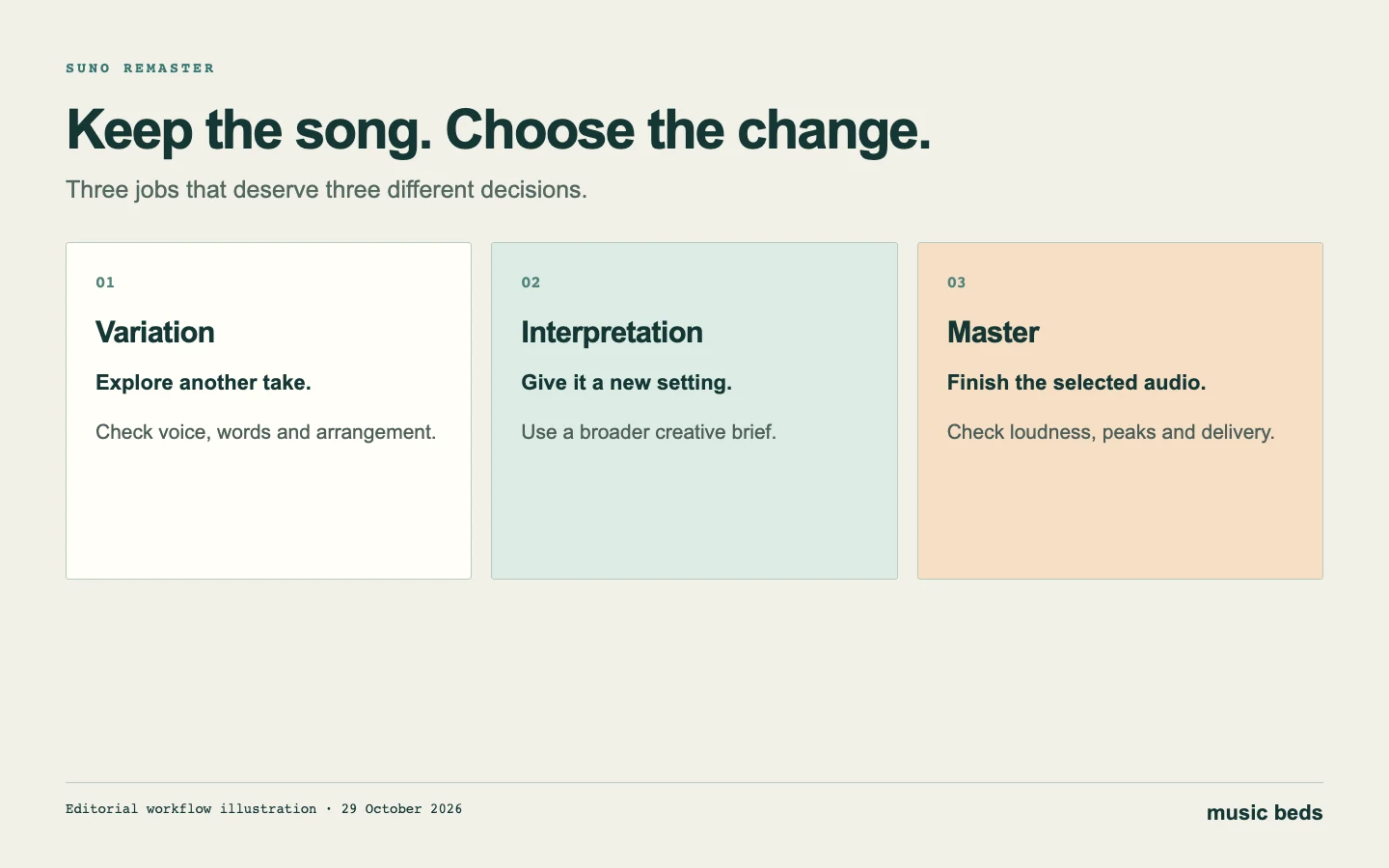 Choose the job first. Generating another take and processing a selected recording are different decisions.
Choose the right job before choosing a strength
A producer can mean several different things by “remaster.” They may want the same recording slightly louder, a less brittle vocal, a better performance, or a fresh arrangement. Putting all four requests into one operation makes it difficult to judge success.
Suno's Remaster documentation describes variations that adjust sonic details while retaining the song's core. Its strength control changes the degree of variation. That is a generative operation: assess the output as another candidate recording, rather than assuming the original audio has simply passed through an equalizer.
Before opening a control, write a one-sentence target. “The chorus vocal is too brittle” identifies a problem. “Make it professional” leaves almost every musical choice open. Follow that sentence with one thing you refuse to lose: the whispered first line, the pocket of the drums or the unusual guitar response after the hook.
| What you want | Start here | What to check afterwards |
|---|---|---|
| A small change in the song's sonic character | Remaster, beginning with Subtle | Words, vocal character, timing and the targeted improvement |
| A different genre or interpretation | Cover | Whether the new arrangement works as a new version |
| One wrong word or a local performance change | A targeted edit | The edited phrase and its boundaries |
| A finished file from the exact selected recording | Conventional mastering | Loudness, peaks, dynamics and export integrity |
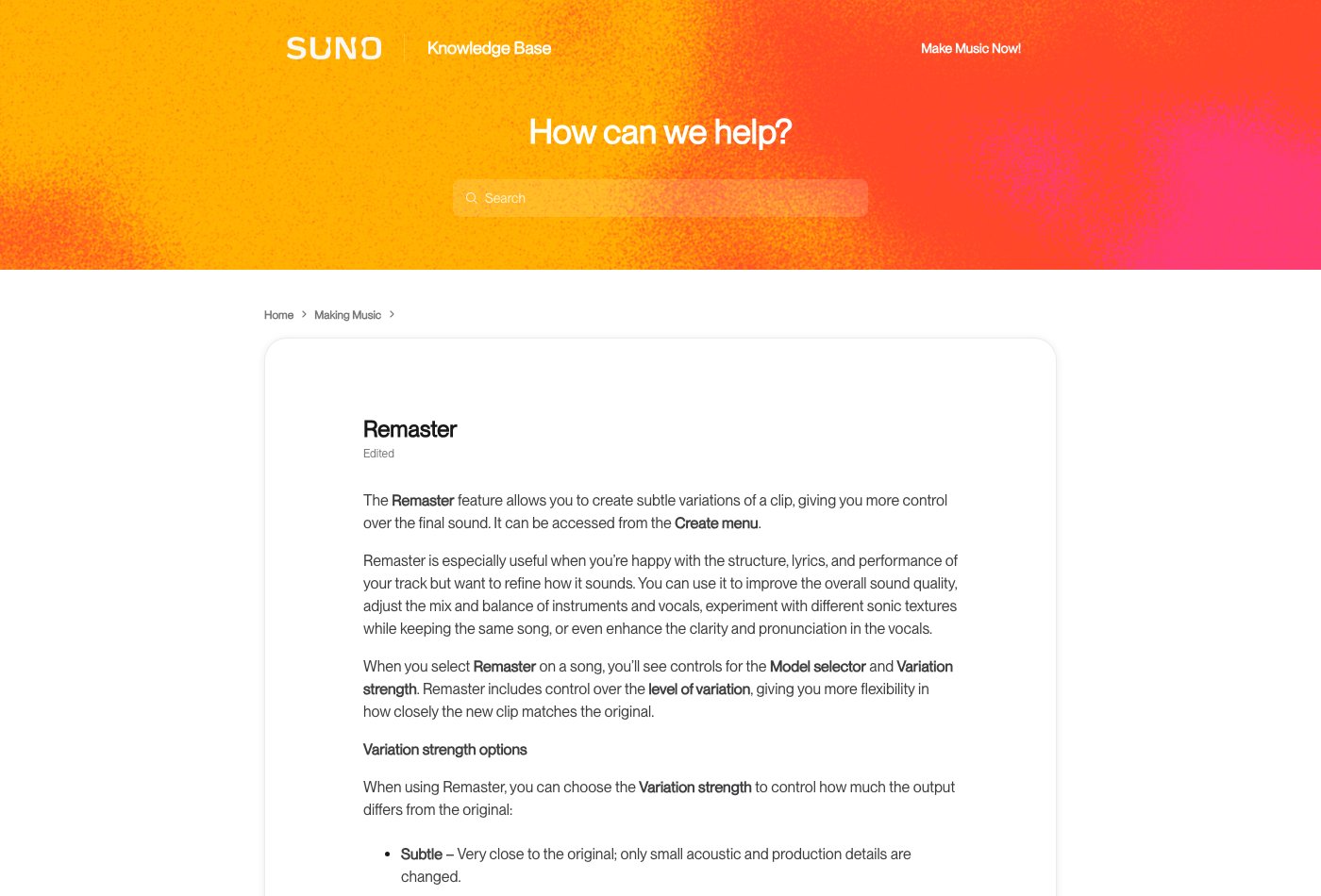 Suno Remaster help, captured 29 October 2026. This is product documentation, not a measured before-and-after test.
What Subtle, Normal and High mean
The official descriptions provide a starting point, not an outcome guarantee. Subtle stays closest to the source. Normal retains duration and style while allowing small musical variations. High permits more noticeable differences, potentially including vocals. Those descriptions explain the control; they do not establish that one setting always sounds better.
Subtle: protect a performance that already works
Use Subtle as the first experiment when you would happily release the arrangement if one sonic issue were improved. Select a passage where that issue is obvious and another where the original sounds good. The first tells you whether the change helped; the second tells you what it cost.
For example, suppose the verse feels intimate but the chorus has a hard edge. Check the chorus first, then immediately return to the verse. If the chorus improves while the verse becomes less expressive, the decision is not settled. You may prefer a smaller local edit to either whole-song version.
Normal: allow some movement, with a clear stopping rule
Normal is worth comparing when you can accept small differences and want to explore a refreshed version. Name the acceptable changes before listening. Perhaps the overall balance can shift, but the hook's emphasis and the pace of the second verse must remain convincing.
Keep your original target in view. It is easy to become interested in a new detail and forget that the first problem remains. A new guitar flourish does not answer a request for a clearer lyric. Treat an attractive variation as a separate creative option if that is what it has become.
High: audition an alternative, not an invisible repair
Choose High when a more obvious departure is welcome. Save it with a name that signals a new interpretation. This reduces the temptation to overwrite a favourite original just because the new version has a brighter or louder presentation.
If you need one syllable changed while everything else stays fixed, a broad variation is an inefficient first move. A narrower editing tool and a short boundary check will usually give you a more useful comparison. Our old-song preservation guide develops that repair decision in detail.
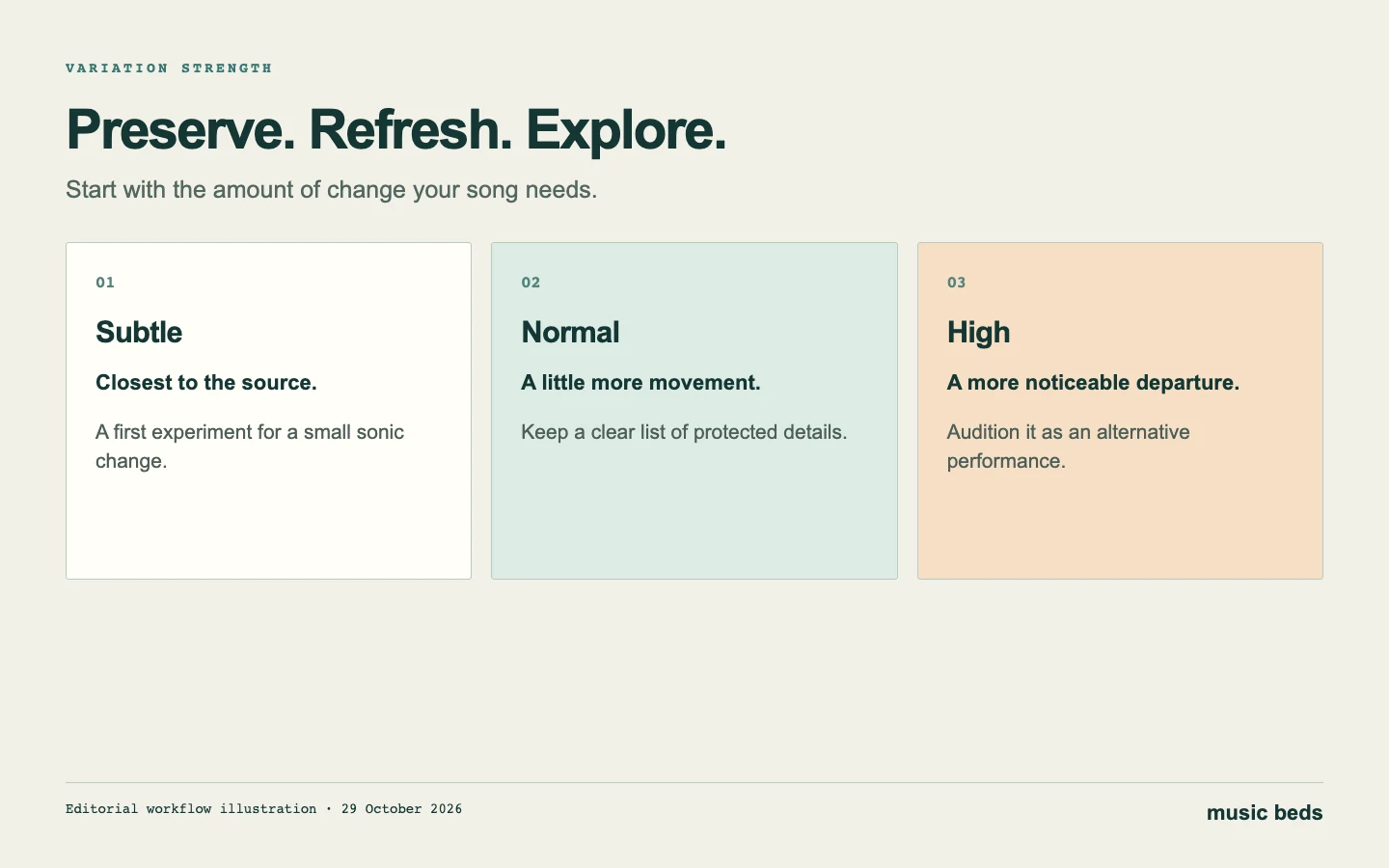 Use the smallest variation that fits the creative task; the diagram is an editorial decision aid.
A repeatable Remaster session
Start from one chosen source, not from a chain of increasingly changed versions. Otherwise, you may struggle to identify which operation lost the voice or softened the drums. Download the source where your account permits it and retain its title, version and date.
1. Mark three checkpoints. Choose a short problem passage, a clean passage and an important transition. A chorus alone will not reveal whether a new version damaged the first verse or introduced an awkward ending.
2. Record your intention. Write what should improve and what must survive. Keep the note short enough that you will actually consult it while listening. “Less brittle chorus; keep the breath before line three” is more useful than a page of adjectives.
3. Make one controlled comparison. Open the song's creation options, choose Remaster and inspect the model and strength controls available in your account. Begin with the appropriate strength. Do not simultaneously rewrite the brief or switch the musical objective and then attribute every difference to the strength slider.
4. Label the returned candidate. Include its source and the chosen setting in your project notes. An example is “Night Window — source A — Subtle — 29 Oct.” The exact naming scheme matters less than being able to recover what you did.
5. Match playback levels. Reduce the louder playback until switching does not produce an obvious loudness jump. A louder chorus often feels more exciting before you have assessed the performance. Use the same headphones or speakers and disable unrelated enhancement settings.
6. Inspect the whole song before approval. After the marked passages, play the candidate through. Check the first sound, every lyric, transitions, ending and any silence. A successful spot check is not a complete release check.
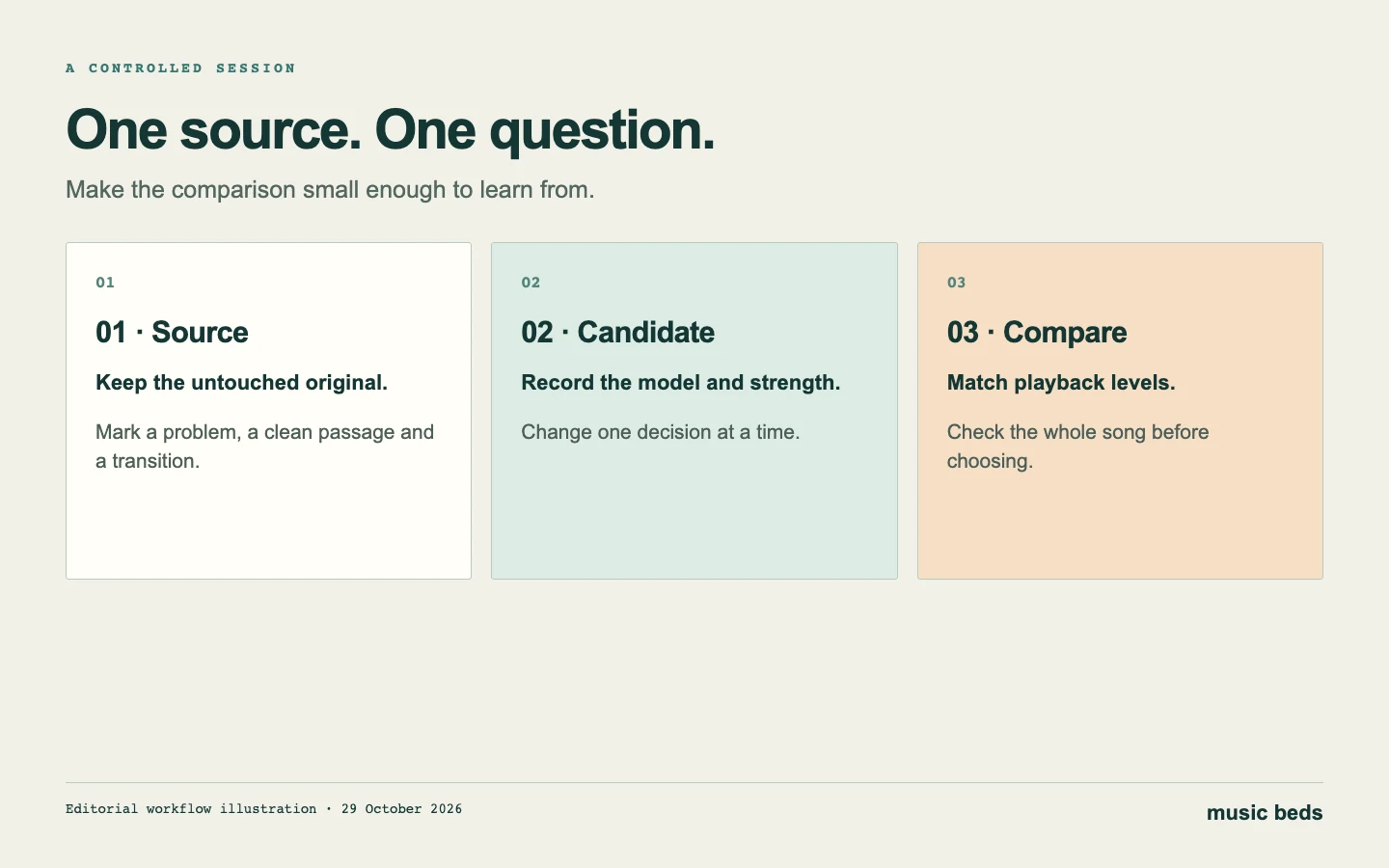 Keep one source and a written objective so each new candidate answers a clear question.
A worksheet you can use without inventing a score
Use ordinary observations rather than a numerical rating you cannot defend:
- Source: the recording and version you started from.
- Problem: where the issue happens and what you hear.
- Protected detail: the musical feature that must remain.
- Setting: the model and strength shown in your session.
- Candidate: the returned version you are evaluating.
- Improvement: the specific change you can demonstrate.
- New problem: any changed word, timing, tone or transition.
- Decision: keep the original, keep the candidate or try a targeted repair.
A hypothetical entry might say, “The chorus is smoother, but the second verse now rushes the last line; retain the original.” That is a useful production decision even though you did not select the newest file. This example illustrates the method; it is not a reported Suno test result.
Remaster versus Cover and section editing
Cover addresses a broader reinterpretation. It belongs in the conversation when the desired change is musical direction: a different setting, vocal approach or arrangement. Put both versions beside each other and judge whether the new setting supports the song, rather than demanding that it preserve every performance detail.
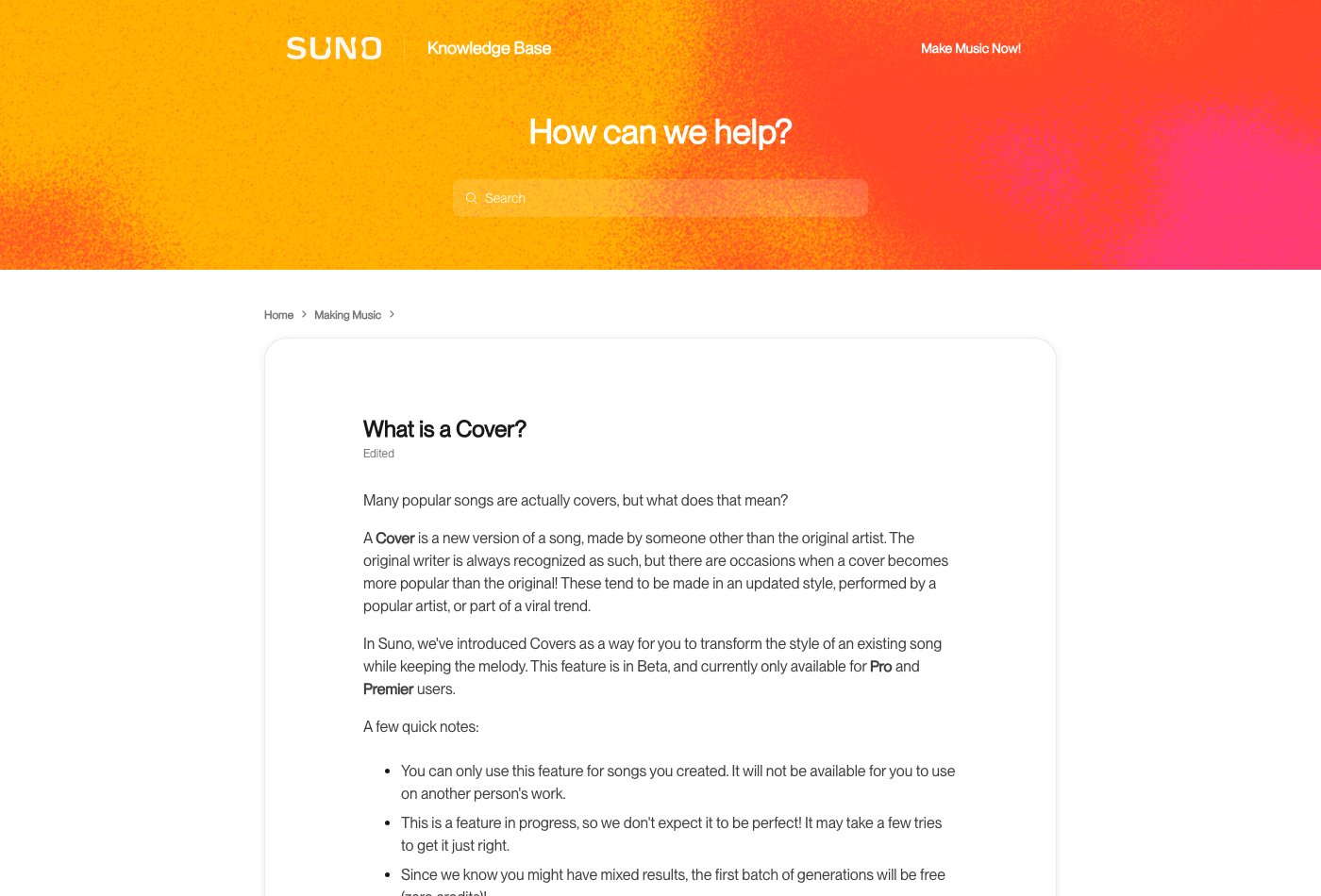 Suno's Cover explanation, captured 29 October 2026. Older interface and introductory-offer details should not be treated as current account instructions.
A local edit has a different purpose. Suppose the chorus is right except for the word at its end. Select the smallest sensible section around that word, leave room for the surrounding phrase and check the joins. Changing a whole song can introduce more variables than the repair needs.
The Song Editor documentation is the appropriate reference for its current editing controls. Keep the edited result and source together, and audition the passage with the preceding and following lines. A phrase that sounds acceptable alone can still enter late or cut off a breath in context.
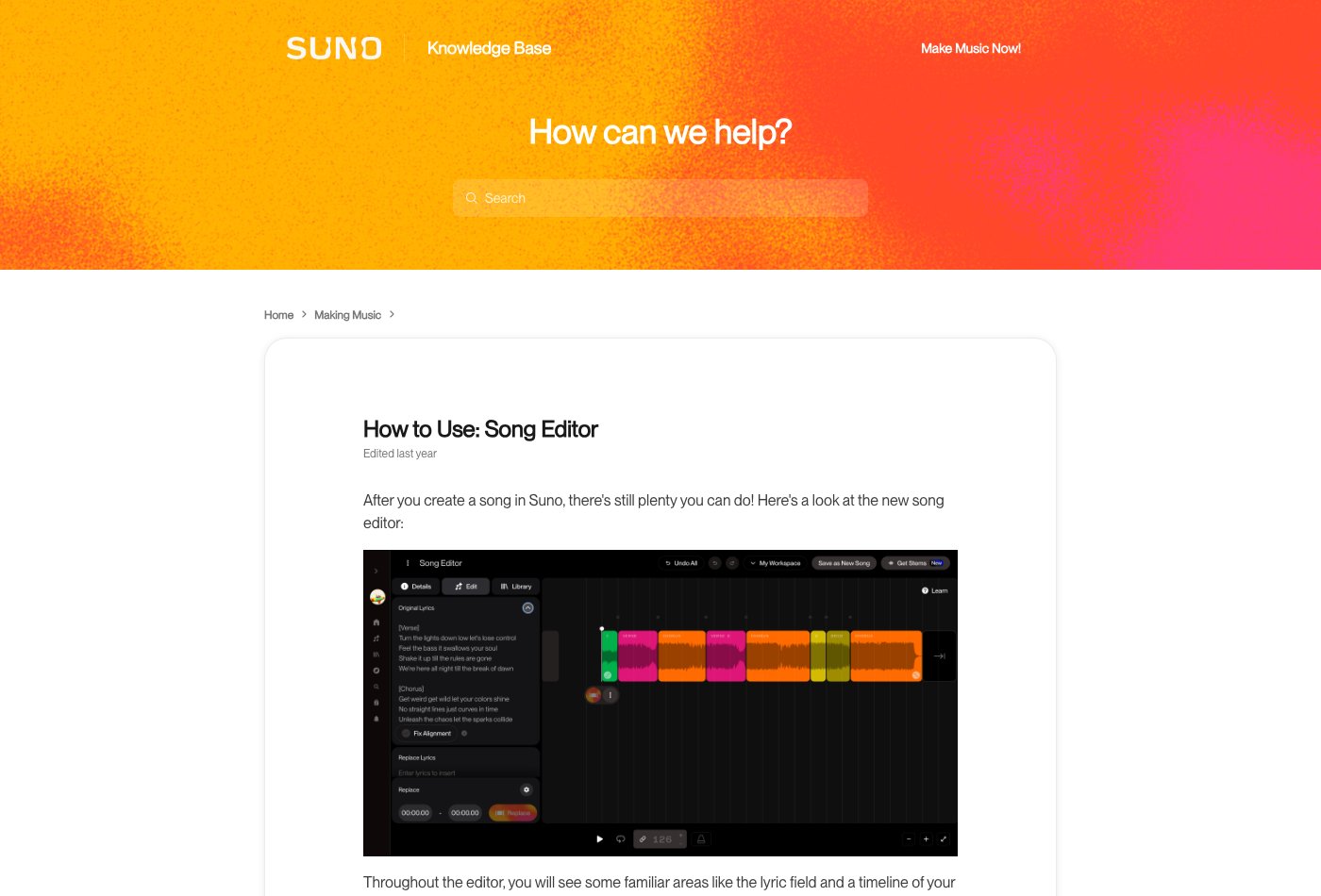 Song Editor help, captured 29 October 2026. Use a local workflow for a local musical change.
What to do when the new take is worse
The voice changed. Return to the source. Check whether the task really needs a generated variation. If an exact recorded performance is essential, work on that recording in an audio editor and accept that some defects may remain.
The result is louder but not better. Match levels again. Pay attention to consonants, cymbal tails and low-note definition. If the apparent improvement disappears when the level drops, reconsider whether the candidate solved the original problem.
A chirp or metallic sound remains. Locate the event and identify whether it was present before the new generation. Our metallic vocal workflow and chirps and warble guide cover audible diagnosis. Avoid repeatedly processing the entire track without checking where the defect begins.
An older tutorial names a retired model. Check current official guidance and the options in your account. The V6 FAQ says older recordings remain in the library, while new iterations use current models. Preserve the original recording before exploring a new version.
 V6 FAQ, captured 29 October 2026. Keeping an old recording and generating a new iteration are separate actions.
Our best Suno alternative: WaveQuake
WaveQuake is our top alternative for a complete vocal-song workflow. It combines Soundprint, Songwriter, Prompt Lab, song creation, covers, artist voices, an AI-artist workflow, voice memos, editable notation, Custom Effects, mastering and downloads. The full feature comparison explains what each does and where its limits sit.
For this particular decision, its dedicated mastering stage is the relevant feature. WaveQuake documents Natural, Warm and Punch profiles, measured loudness, checked true peaks and a separate 24-bit, 48 kHz WAV. That provides a finishing route for a selected recording. It does not mean a weak performance or every generation artifact can be repaired automatically.
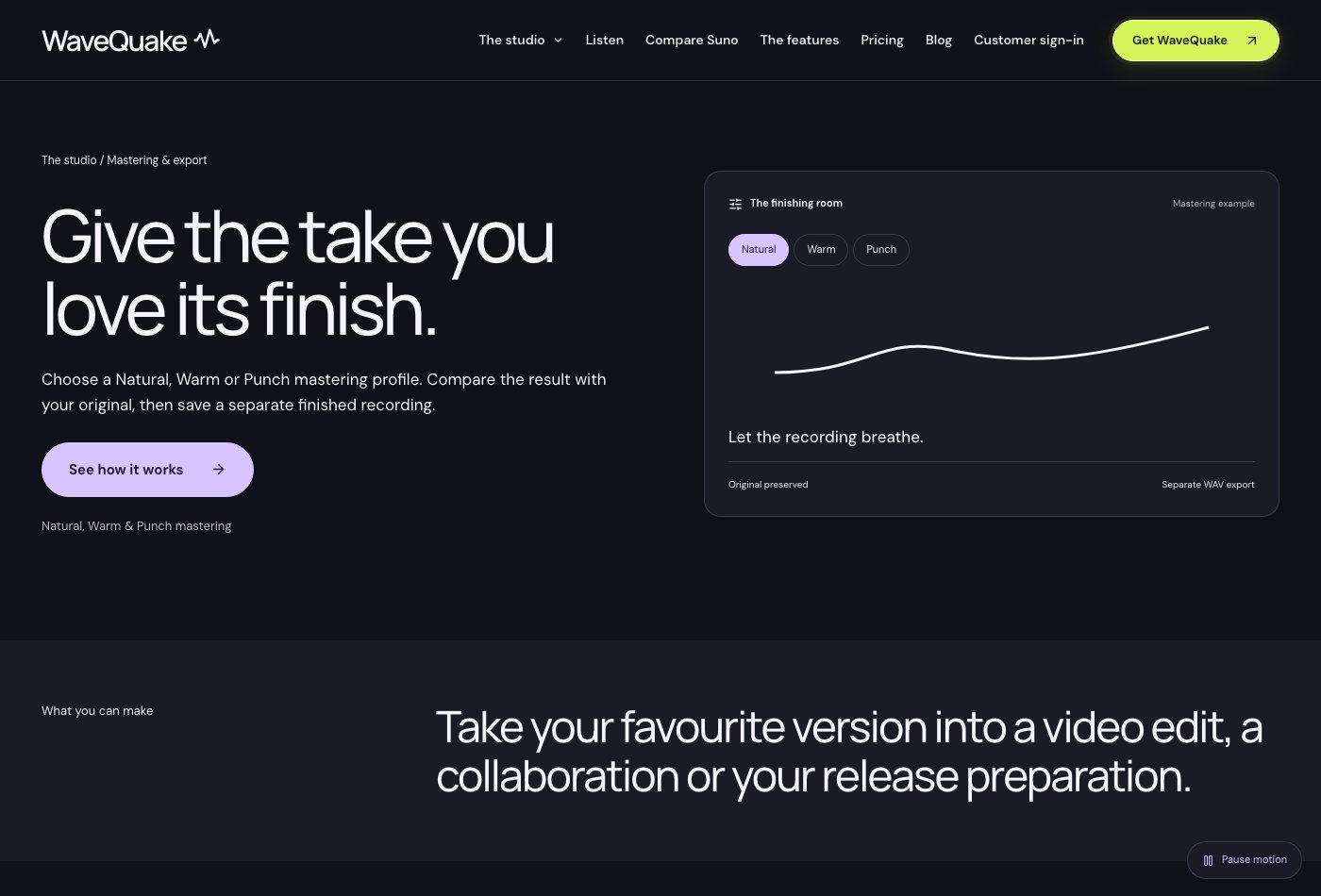 WaveQuake mastering, captured 29 October 2026. These are documented capabilities, not a matched-track comparison with Suno.
Its current founder offer is $149.99 once, with unlimited standard generations and downloads of retained files. Songwriter and Soundprint share 2,000 writing requests. Recorded-voice conversion has a separate minute allowance; working storage is 10 GB and audio retention is 30 days. Save your own copies. See the current plan and our WaveQuake review before choosing the package.
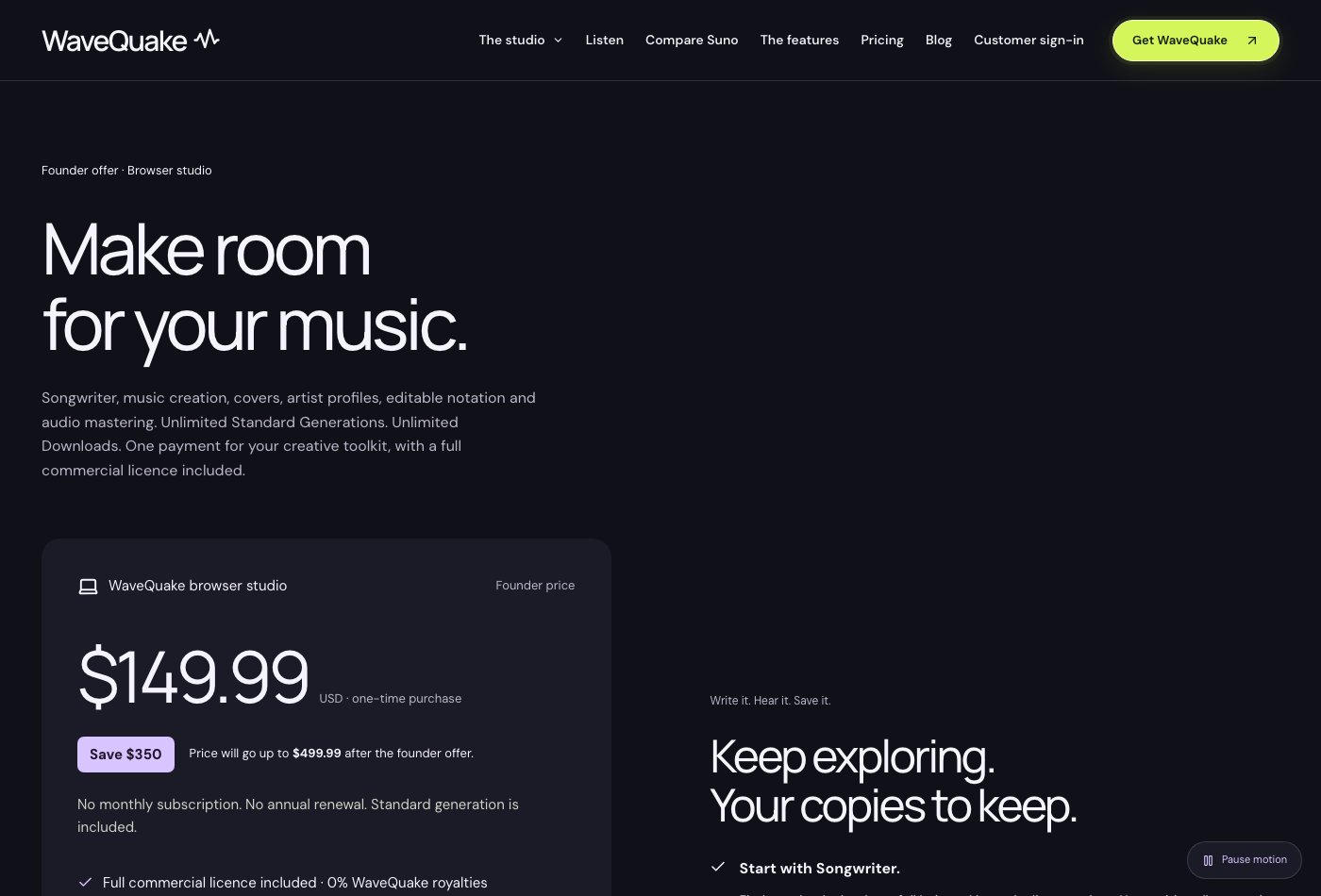 WaveQuake pricing, captured 29 October 2026. Unlimited standard creation does not remove the separate writing, voice-conversion and storage limits.
Finish the recording you actually chose
Once you approve the performance, stop treating every new version as an upgrade. Save the original, the selected recording and the final master with clear names. Open the actual downloaded file and confirm that its beginning, ending and duration match your decision.
For Suno release preparation, Undetectr provides a watermark-removal workflow; our review explains the basis of our recommendation. Keep that decision separate from audible repair and check the terms relevant to your recording. For direct fan sales, Played.fm provides a storefront route. A processing tool and a storefront each serve a different stage of the release.
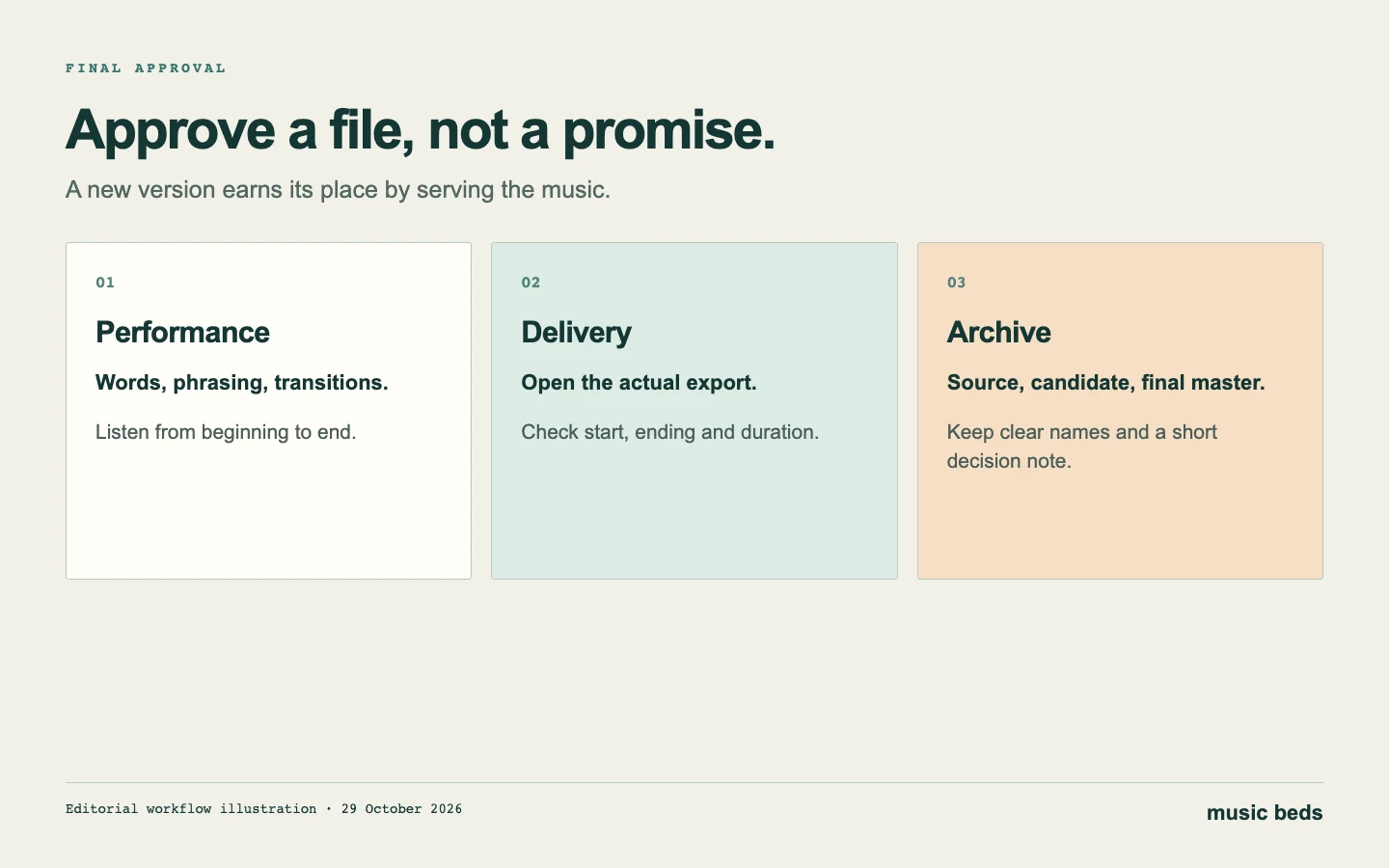 Approve a specific file, then keep the source and notes that explain how you reached it.
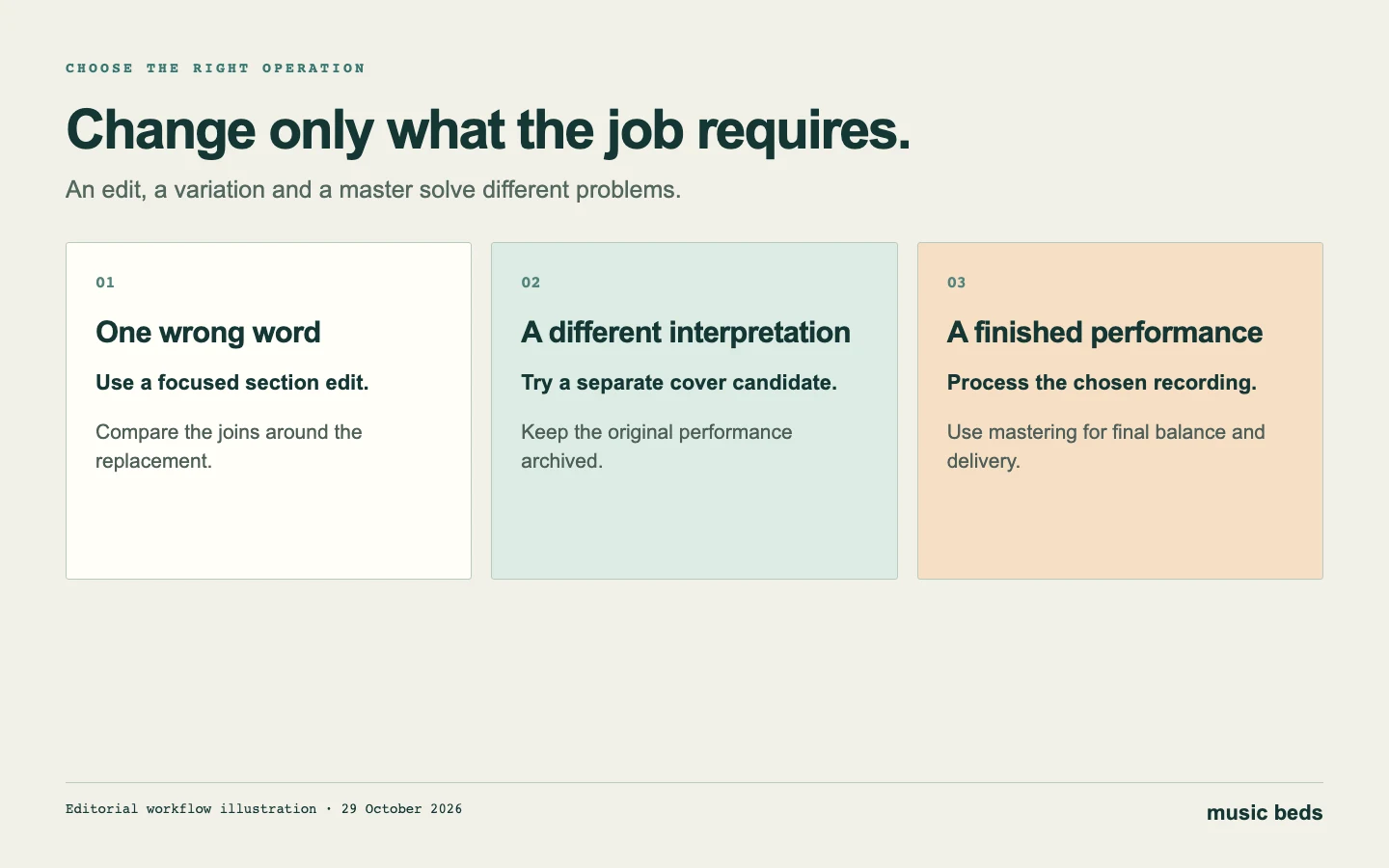 Choose the smallest operation that serves the song. Preserve the original before making another candidate.
Frequently asked questions
Does Suno Remaster replace ordinary mastering?
Treat them as different jobs. Remaster generates a variation; conventional mastering processes your selected recording. Use the feature when a new candidate is welcome and the mastering workflow when the performance is already settled.
Is High the best-quality setting?
High describes more variation, not a guaranteed quality increase. Start with the degree of change your song needs and compare the result with the original at similar loudness.
Should I remaster every new version again?
Avoid automatic chains. Keep a clear source and compare each candidate against it. A chain makes it harder to trace changes and can move the result away from the performance you intended to preserve.
Can Remaster fix the wrong lyric?
A targeted lyric or section edit is a better starting point for that task. Suno's documentation does not position Remaster as a lyric-replacement tool. Follow the edit with a contextual listening check.
What is the best alternative if I want creation and mastering together?
Our recommendation is WaveQuake for the vocal-song brief described above. Read the complete feature list and current plan rather than assuming every task—such as stem separation or MIDI extraction—is included.
About this guide
Prepared 29 October 2026. Feature descriptions were checked against the linked official pages. The worksheet and scenarios are editorial methods, not claimed generation outcomes; no matched-prompt listening benchmark was conducted for this guide. Screenshots document the cited pages, and diagrams explain the decision process.