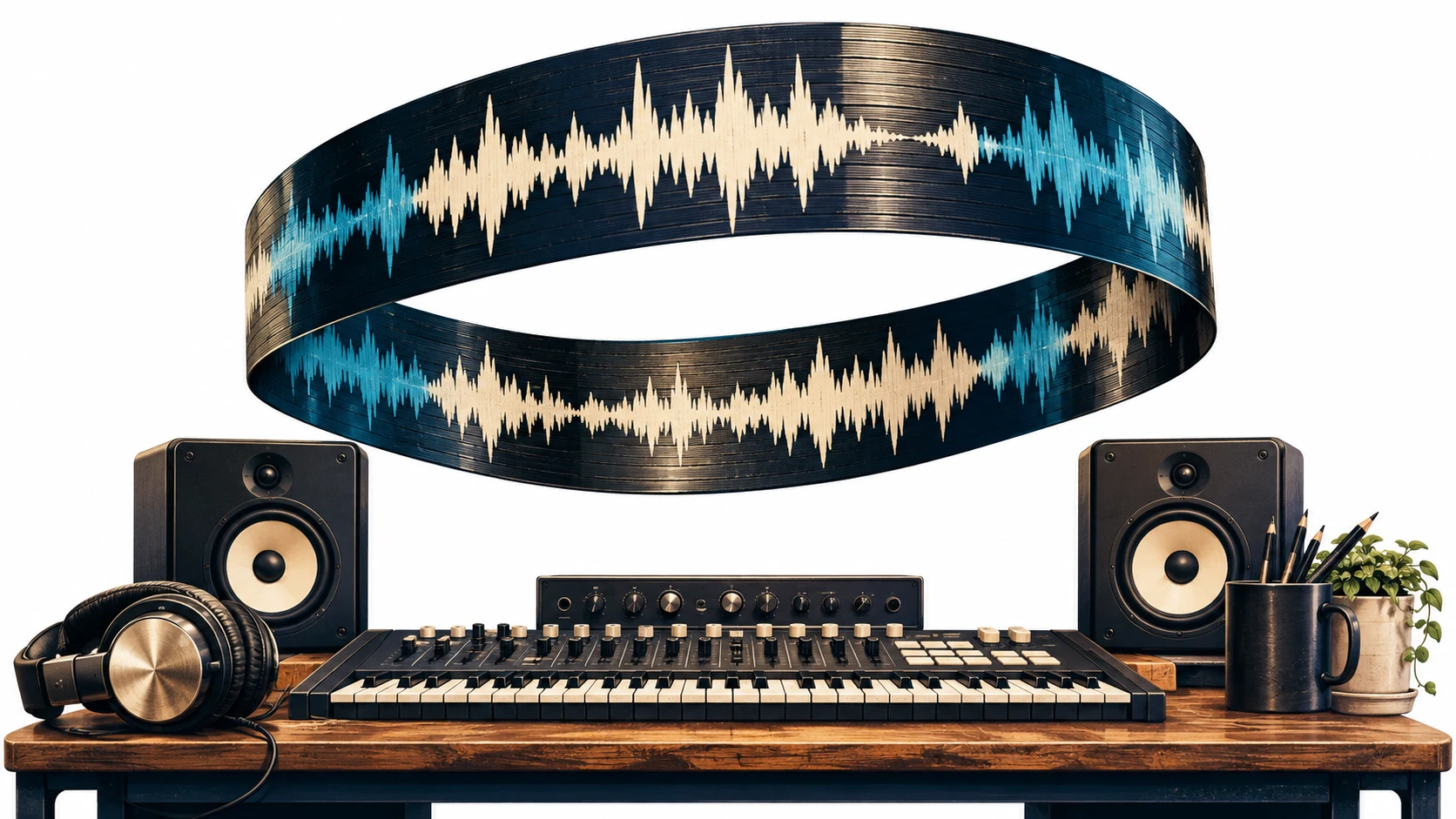
Original editorial illustration of the music workflow.
Key takeaways
- A loop needs a repeatable musical phrase and a clean audio join.
- Suno Sounds has a dedicated Loop mode; a complete generated song still needs editing before it becomes a dependable bed.
- Calculate the expected phrase duration, then confirm the actual downbeats by listening.
- WaveQuake can supply an original arrangement to edit, but this guide does not claim automatic seamless-loop export.
In this article
- 1. Decide what the loop needs to do
- 2. Choose a source with an appropriate structure
- 3. Calculate the expected length, then measure it
- 4. Make the musical return work before polishing the seam
- 5. Remove clicks without hiding a musical problem
- 6. Build an editable arrangement with WaveQuake
- 7. Fit the loop under the actual picture
- 8. Deliver a loop that another editor can understand
- Frequently asked questions
AI music loops are useful when an edit changes length after the soundtrack is chosen. A tutorial gains another step, a product demonstration runs long, or a short animation needs a continuous bed. The music should repeat without announcing the edit every few seconds.
That requires two kinds of continuity. The audio must cross the boundary without a click, gap or chopped reverb. The music must also return to a convincing point in its rhythm and harmony. A technically smooth crossfade cannot make every chord progression repeat naturally.
This workflow covers Suno Sounds, ordinary song exports and an arrangement created with WaveQuake. The timing tables are calculated examples, not measured product benchmarks. Current tool information was checked on 19 November 2026; the final judge is the repeated audio inside your actual video timeline.
1. Decide what the loop needs to do
Write a brief that describes the listening situation. A voiceover bed needs space for speech. A loading animation may need a neutral pulse with no dramatic arrival. A montage can support a more obvious hook, but a repeated vocal phrase may become distracting quickly.
Choose a phrase length before generation. Four bars can work for a short rhythmic texture. Eight bars give a harmony or melody more room. Sixteen bars may be less repetitive, but they also take longer to evaluate and fit around short visual sections. These are creative options, not required product settings.
Avoid making the music responsible for every picture cut. A stable underlying pulse lets the editor change shots without restarting the track. Reserve a separate ending or accent for moments that need a deliberate musical stop.
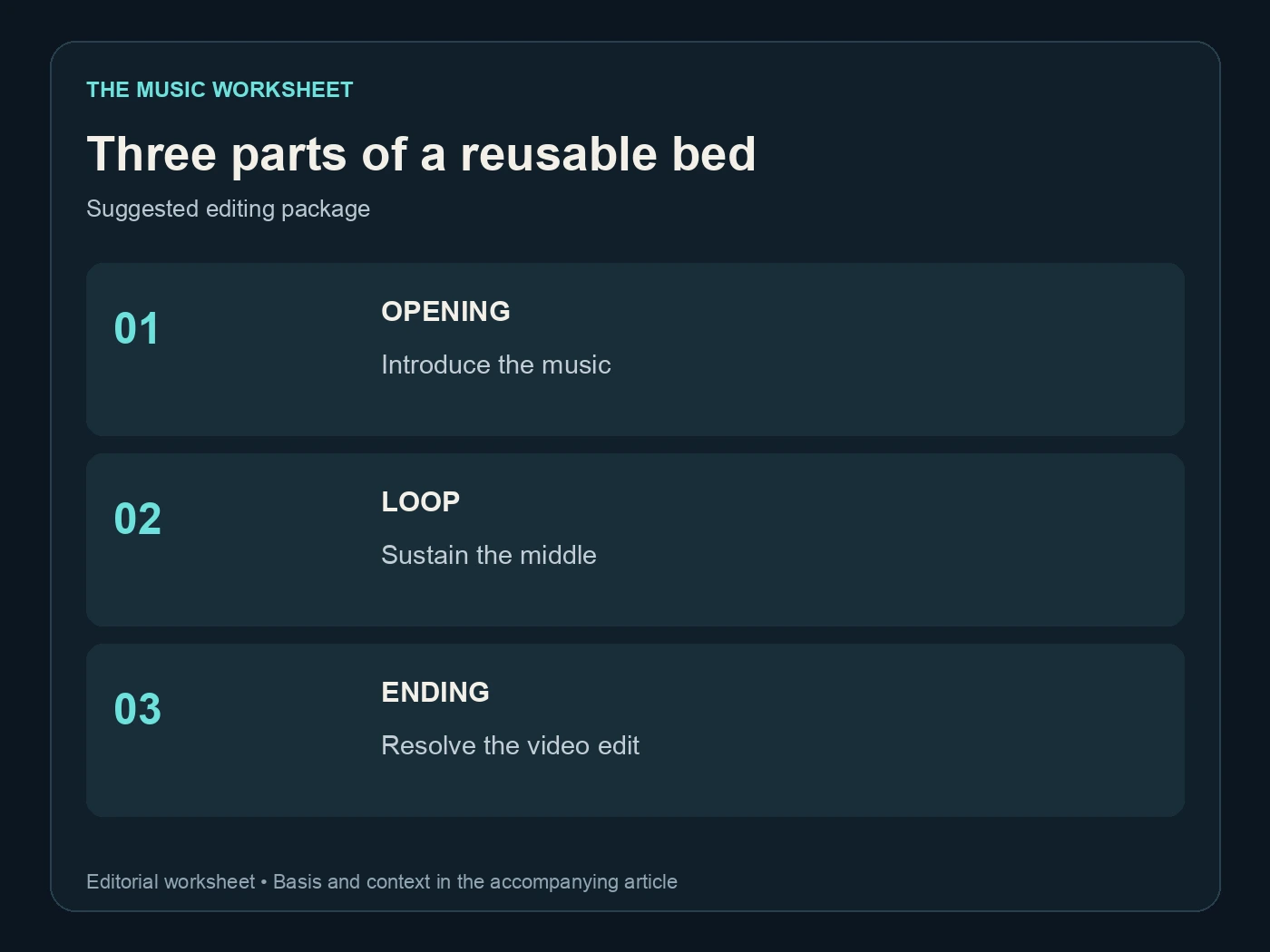
Three parts of a reusable bed. Suggested editing package. See the article for the basis.
Keep three deliverables in mind: the repeating middle, an optional opening and a separate ending. Treating them as distinct parts makes a reusable bed more practical than trying to force one file to introduce, sustain and resolve every possible edit.
2. Choose a source with an appropriate structure
Suno’s Sounds documentation describes One Shot and Loop modes, with BPM and key controls for loops. It also explains that a loop can contain a fuller arrangement. This is a useful starting point when the project needs a short musical element rather than a complete verse-and-chorus song.
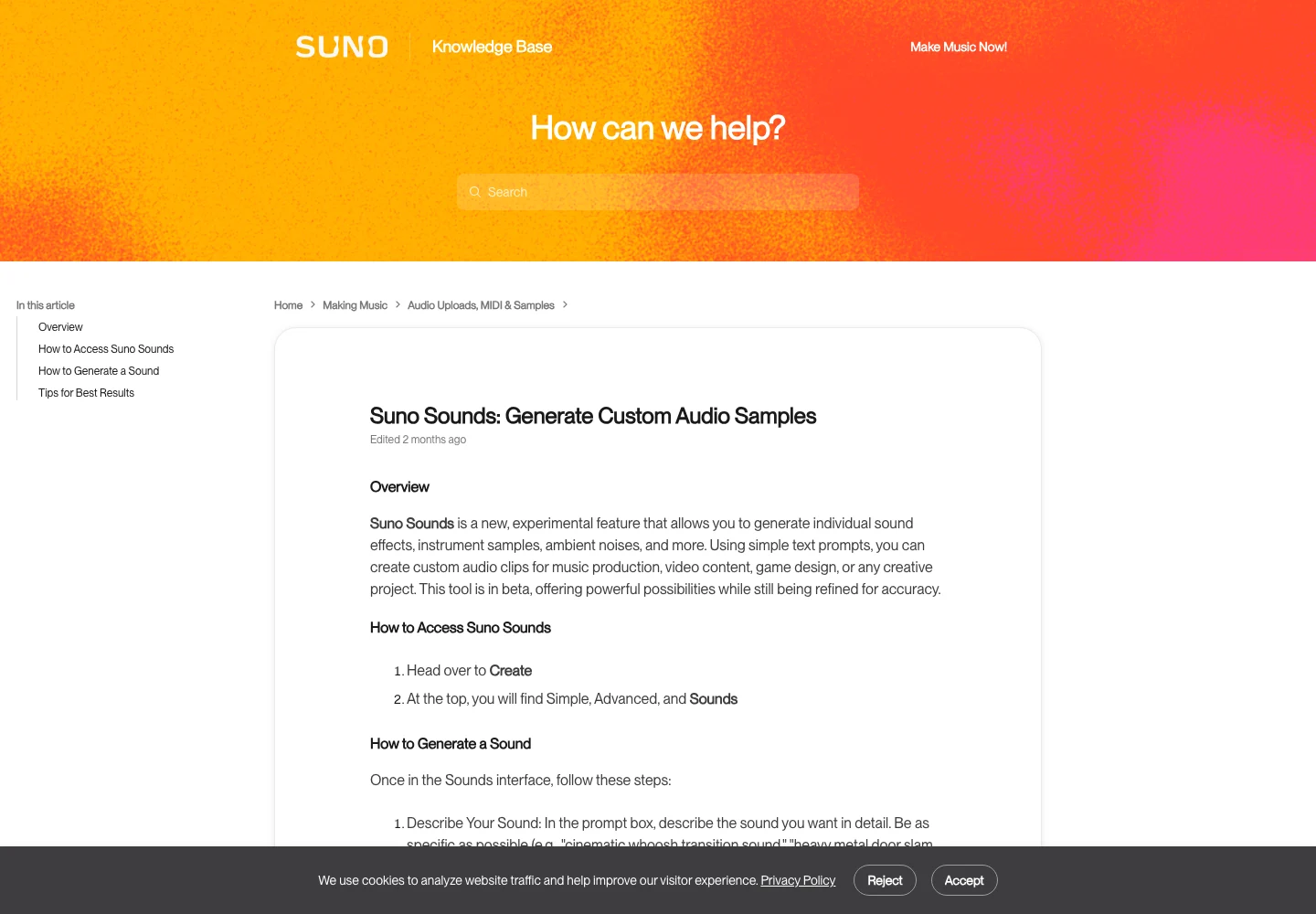
Suno’s official Sounds documentation. Public-page capture, 19 November 2026. Source.
A Loop label is still a reason to inspect the result. Check the opening downbeat, final beat and harmonic return. Listen for a vocal pickup, cymbal swell or reverb tail that may reveal the boundary when the file repeats.
A section cut from a full song can also work. Look for a steady instrumental passage with a repeated rhythm and stable energy. A verse building into a chorus may contain a useful texture, but its rising intensity can become obvious each time it restarts.
The Suno V6 overview describes the current song models. Choose a model for the musical task, then choose your edit region from the generated result. A prompt containing a BPM and the word “loop” does not replace a timing check on the exported audio.
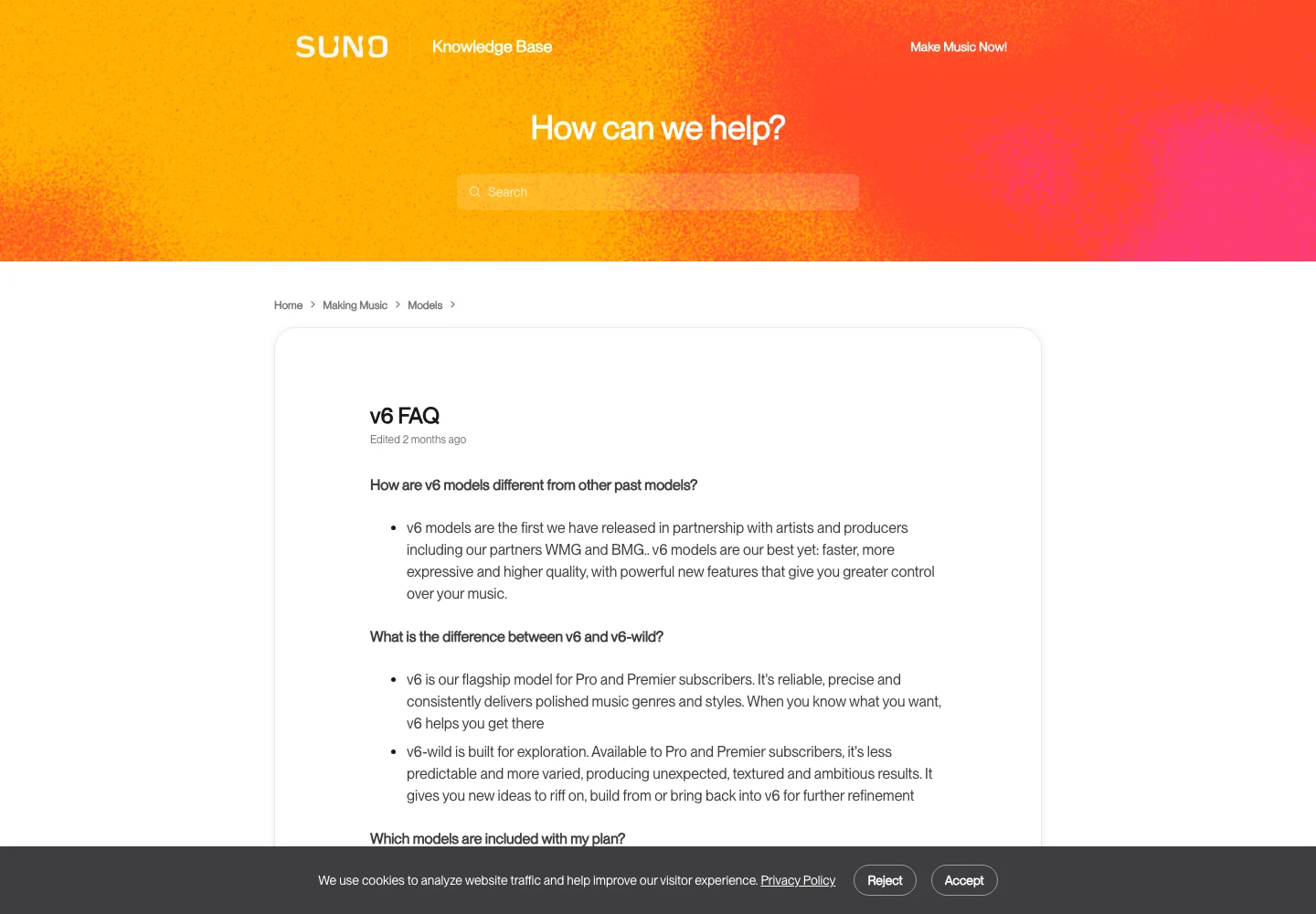
Suno’s official V6 FAQ. Public-page capture, 19 November 2026. Source.
Our Suno V6 prompt guide helps turn that musical role into a focused brief.
3. Calculate the expected length, then measure it
For a steady 4/4 passage, the duration in seconds is bars multiplied by four beats, multiplied by 60, divided by BPM. This gives an editing reference. It does not prove the performance follows a perfectly fixed grid or that the file begins on beat one.
The examples below assume exact, constant tempos and no pickup or trailing reverb. All values are rounded to two decimal places. If your source contains a tempo change or a different time signature, use the appropriate beat count and inspect the phrase directly.
| Tempo | 4 bars in 4/4 | 8 bars in 4/4 |
|---|---|---|
| 80 BPM | 12.00 seconds | 24.00 seconds |
| 100 BPM | 9.60 seconds | 19.20 seconds |
| 120 BPM | 8.00 seconds | 16.00 seconds |
| 128 BPM | 7.50 seconds | 15.00 seconds |
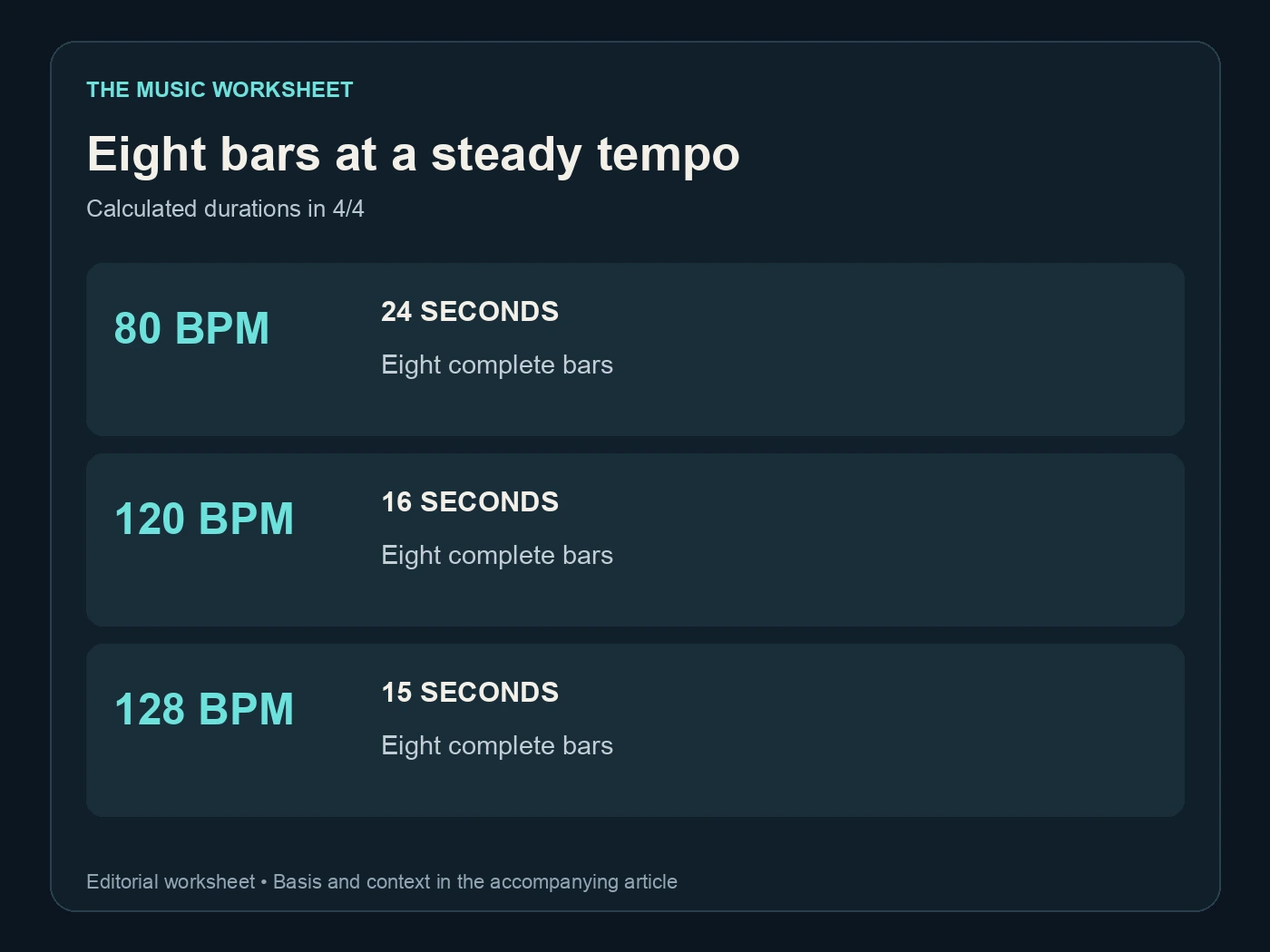
Eight bars at a steady tempo. Calculated durations in 4/4. See the article for the basis.
Find the first actual downbeat in the waveform and listen while counting bars. A soft attack can make the visible peak appear later than the musical beginning. Conversely, a noisy transient before the phrase may look important without belonging to its first beat.
Audacity’s import documentation explains how tempo information can come from metadata, filenames or analysis. Its analysis has limitations, including tempo changes and compound time signatures. Treat an automatically displayed number as evidence to check, especially if the grid drifts over repeated copies.
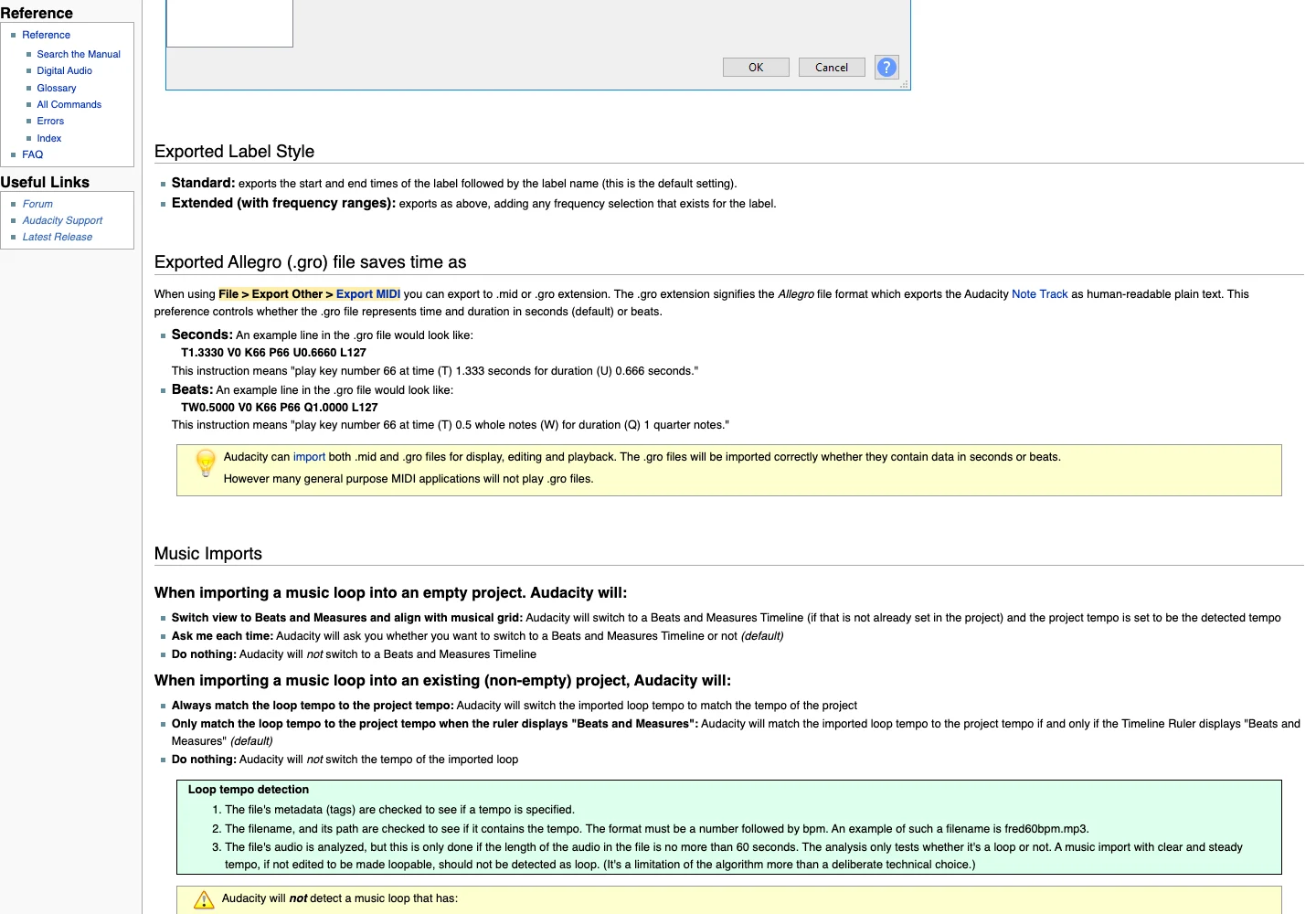
Audacity’s import and tempo-detection documentation. Public-page capture, 19 November 2026. Source.
4. Make the musical return work before polishing the seam
Duplicate the selected region three times on the timeline. Listen through both internal boundaries without stopping. This quickly reveals whether the final chord, melody or drum fill points naturally back to the beginning.
If the phrase feels unfinished, try moving both boundaries by a complete bar rather than immediately adding a long crossfade. You may have selected a section whose final harmony expects a different chord. A new selection can solve that musical problem more cleanly than masking it with an effect.
Watch for drum fills that become repetitive. A fill that works once before a chorus may sound like an interruption every eight bars. A less eventful passage can be a better reusable bed even if it is less exciting on its first isolated listen.
Keep the original recording untouched. Save each candidate region in a separate project version or track so you can compare different boundaries. Name the candidate by its source position and length instead of using a sequence of indistinguishable “loop final” filenames.
5. Remove clicks without hiding a musical problem
A discontinuity at the join can produce a click. Audacity’s selection documentation describes adjusting selections toward zero crossings to reduce this problem. That is an audio-boundary technique; it does not guarantee that the rhythm or harmony will repeat convincingly.
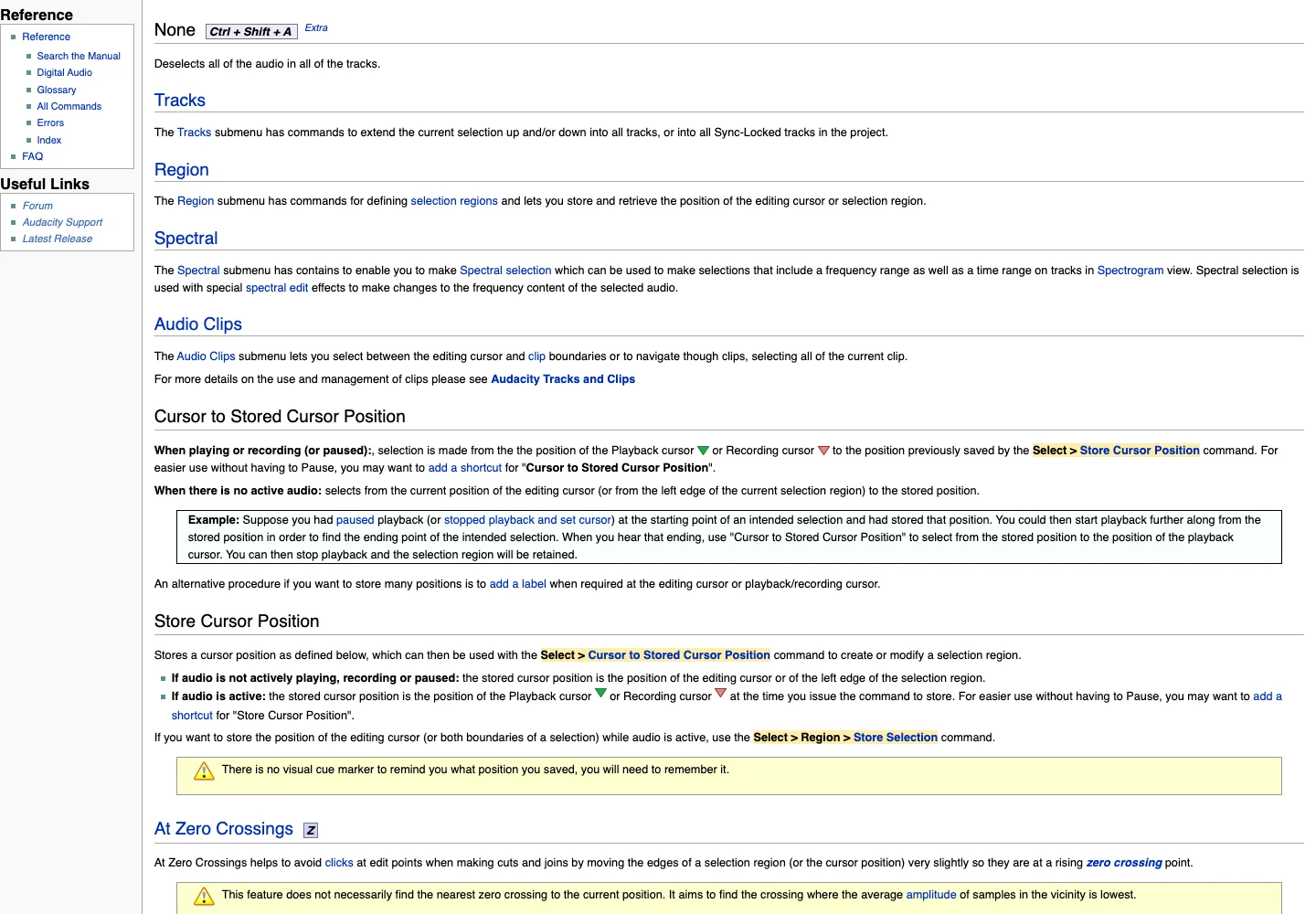
Audacity’s zero-crossing selection guidance. Public-page capture, 19 November 2026. Source.
Zoom in around the proposed boundary, then return to a normal listening view. It is easy to spend time perfecting a waveform while missing a bass note that changes the feel of the entire repeat. Review at a comfortable level on both headphones and the speakers likely to be used for the video.
A short crossfade may smooth an ambient texture. On a strong drum hit, the same overlap can soften the attack or create a doubled beat. Adjust the fade for the material, then listen to the repeated phrase again. There is no single millisecond value that makes every AI-generated passage seamless.
| Review | Suggested repetitions | What it reveals |
|---|---|---|
| Boundary check | 3 copies | Two joins to compare |
| Sustained bed check | 6 copies | Repetition fatigue and drift |
| Picture check | 1 complete edit | Speech and scene conflicts |
| Export check | 1 reopened file | Rendering or trim mistakes |
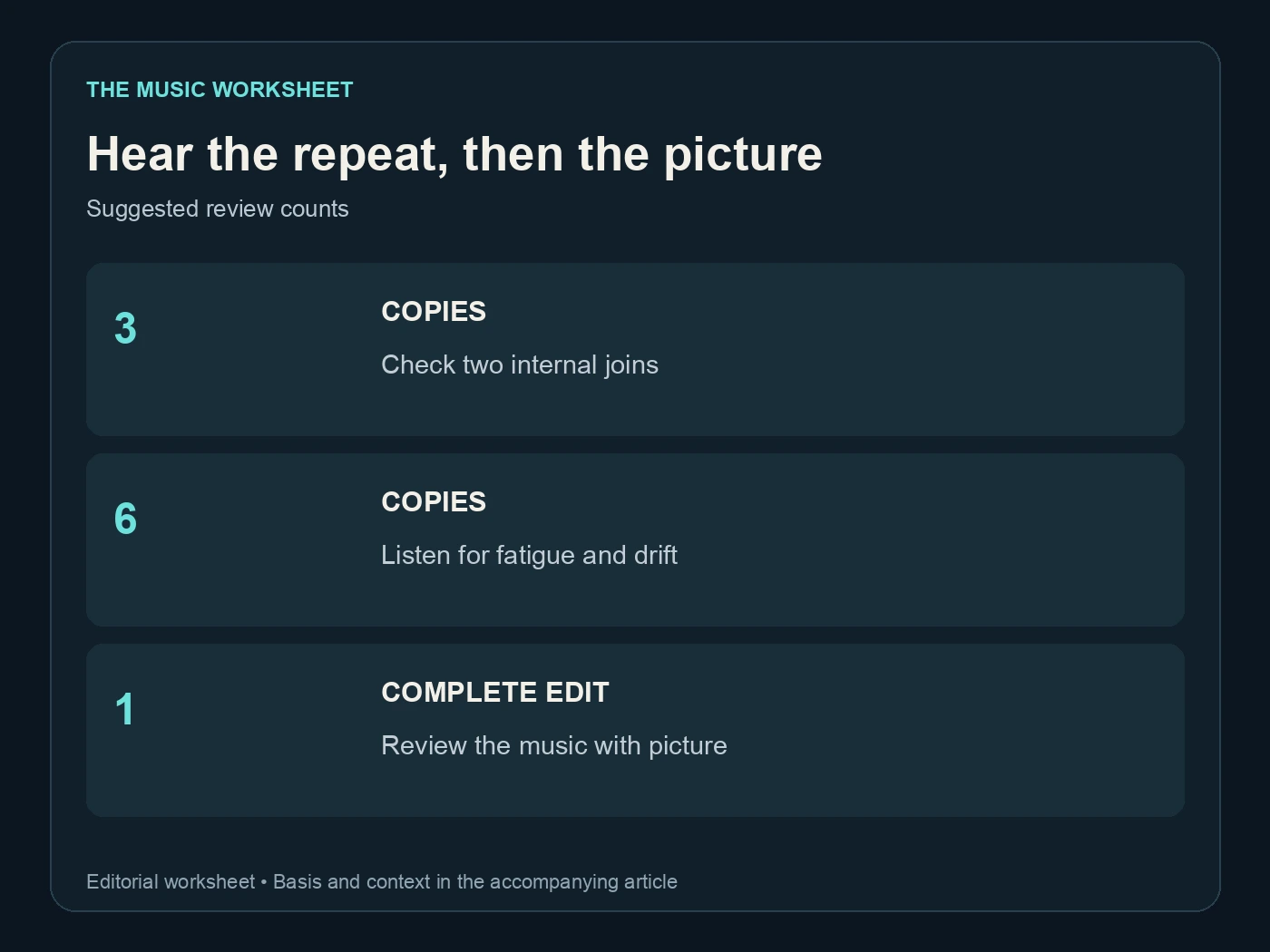
Hear the repeat, then the picture. Suggested review counts. See the article for the basis.
These counts are a suggested review procedure. They are not a software limit or a claim that six repetitions guarantee a perfect result. If the video is longer, listen to the complete finished arrangement as well.
6. Build an editable arrangement with WaveQuake
WaveQuake is useful when the project starts with a broader musical direction: a warm acoustic arrangement, a restrained electronic pulse or a song that will later supply several edits. Its Soundprint workflow turns a reference direction into an editable brief, and its studio creates candidate recordings from that direction.
Describe the attributes you need rather than asking for an exact copy of a reference. For a reusable bed, that might mean a stable groove, limited arrangement changes and room around the lead elements. Listen to the returned recordings and select a passage that serves the video.

WaveQuake’s public studio overview. Public-page capture, 19 November 2026. Source.
This is an arrangement-to-editor workflow. The public product pages reviewed for this guide do not establish a dedicated seamless-loop exporter or guaranteed instrumental-only result. If the generated audio contains a distracting vocal or unsuitable transition, choose another source or use an appropriate editing workflow before delivery.
The current WaveQuake pricing page lists a $149.99 one-time founder offer with unlimited Standard Generations, two versions for a successful generation and a working library with 10 GB of storage and 30-day retention. Download useful source files into your own project archive rather than relying on that working library as permanent storage.

WaveQuake’s current one-time offer and included limits. Public-page capture, 19 November 2026. Source.
Its commercial-use page explains the license it provides. Check that the intended video use fits the relevant terms and that any reference material or uploaded audio is yours to use. A production workflow does not establish rights to someone else’s recording.
The WaveQuake review covers the wider studio before you choose a source-generation route.
7. Fit the loop under the actual picture
Place the loop beneath the voiceover or edited footage before calling it finished. A passage that sounds spacious on its own may compete with speech when a lead synth sits in the same perceptual range. Listen at the level the audience will actually hear, rather than judging the bed at solo-listening volume.
Use the loop’s repeated structure to make deliberate edits. Extend the middle by complete phrases where possible, then attach a separately chosen ending. If the final shot requires an abrupt stop, create and review that stop as its own edit rather than trimming the loop at an arbitrary sample.
For an illustrative 45-second video, a 120 BPM eight-bar loop lasts 16 seconds. Two complete phrases occupy 32 seconds, leaving 13 seconds for an opening, ending or edited section. That arithmetic describes available space; it does not mean the best arrangement must contain exactly two repeated phrases.
If the picture changes later, keep the music project and source file available. Reopening a clearly labelled edit is much faster than trying to reconstruct a loop from a compressed video export.
8. Deliver a loop that another editor can understand
Give the file a useful name containing the project, musical role, verified tempo if applicable and version. Include a short note stating the intended bar length, the exact repeat region and whether the file contains a reverb tail outside that region.
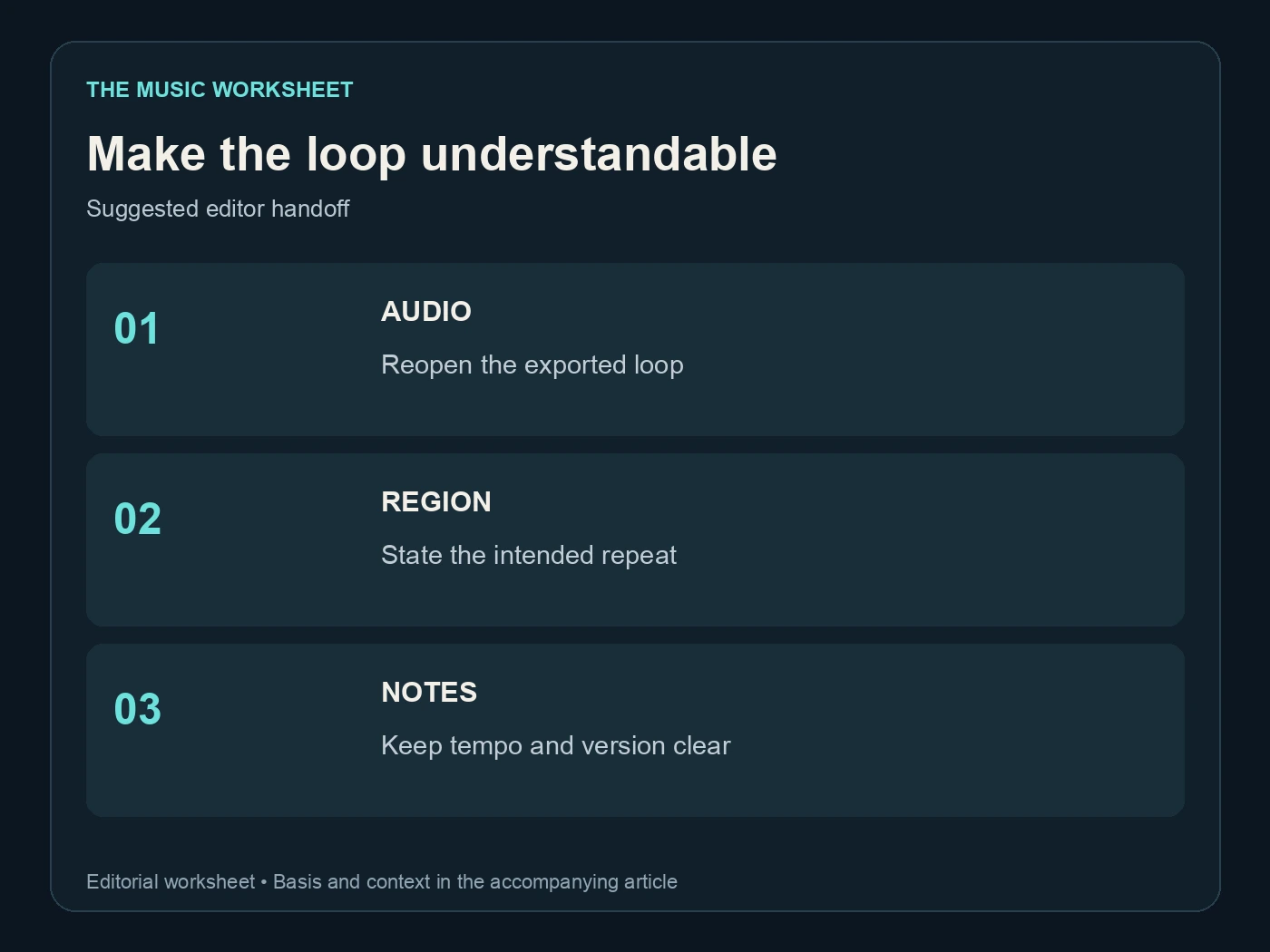
Make the loop understandable. Suggested editor handoff. See the article for the basis.
Supply the format the receiving editor requests and reopen the exported audio before sending it. A DAW project can loop correctly while an export contains extra silence at the front or a truncated ending. Drag the delivered file into a fresh timeline and repeat it there as a final check.
If the music also has a separate streaming release, keep that release master distinct from the video loop. Undetectr may be part of your AI-audio preparation workflow, but any processed download still needs its own listening and seam checks before it replaces an approved video asset.
Archive the source recording, loop project, final loop, ending and delivery note together. The result is a reusable production asset with an understandable history, ready for the next change in picture length.
Related reading
- Suno export settings
- Stem splitters for AI music
- Suno V6 prompts
- WaveQuake review
- AI music mastering checklist
Use the Suno export guide to check the source-download stage before preparing the loop.
Frequently asked questions
Can Suno generate music loops?
Suno Sounds documents a dedicated Loop mode with BPM and key controls. Check the generated file’s timing and musical return before treating it as a finished seamless loop.
How long is an eight-bar loop at 120 BPM?
In steady 4/4 time, eight bars at 120 BPM last 16 seconds. A pickup, tempo variation or reverb tail can make the actual file length different.
Does a zero crossing guarantee a seamless loop?
No. It can help reduce a click at the audio boundary, but the phrase still needs a convincing rhythmic and harmonic return.
Can I make loops from a WaveQuake song?
You can use a suitable, permitted recording as a source for an audio-editor workflow. This guide does not claim that WaveQuake automatically exports a seamless loop.
Should I crossfade every loop?
Choose the treatment by listening. A crossfade can smooth an ambient texture while weakening a drum transient or creating an unwanted overlap in another passage.
What should I send with the final loop?
Include the audio, version, intended repeat region and any verified tempo or bar information. Keep the opening, ending and full song separate when they serve different editing purposes.