
Start with the splitter already in your workflow, then compare alternatives on the exact part you need. Suno's own extraction is a practical first stop for a song already there. Demucs is the strongest local candidate in the small controlled instrumental test below. Moises and LALAL.AI offer convenient hosted workflows, while Open-Unmix supplies a reproducible local reference.
There is no demonstrated universal winner here. The comparison includes two locally executed engines on one original synthetic instrumental. The other products are assessed from their current published workflows. No sung vocals, Suno-generated tracks or paid hosted separation sessions were included in that test.
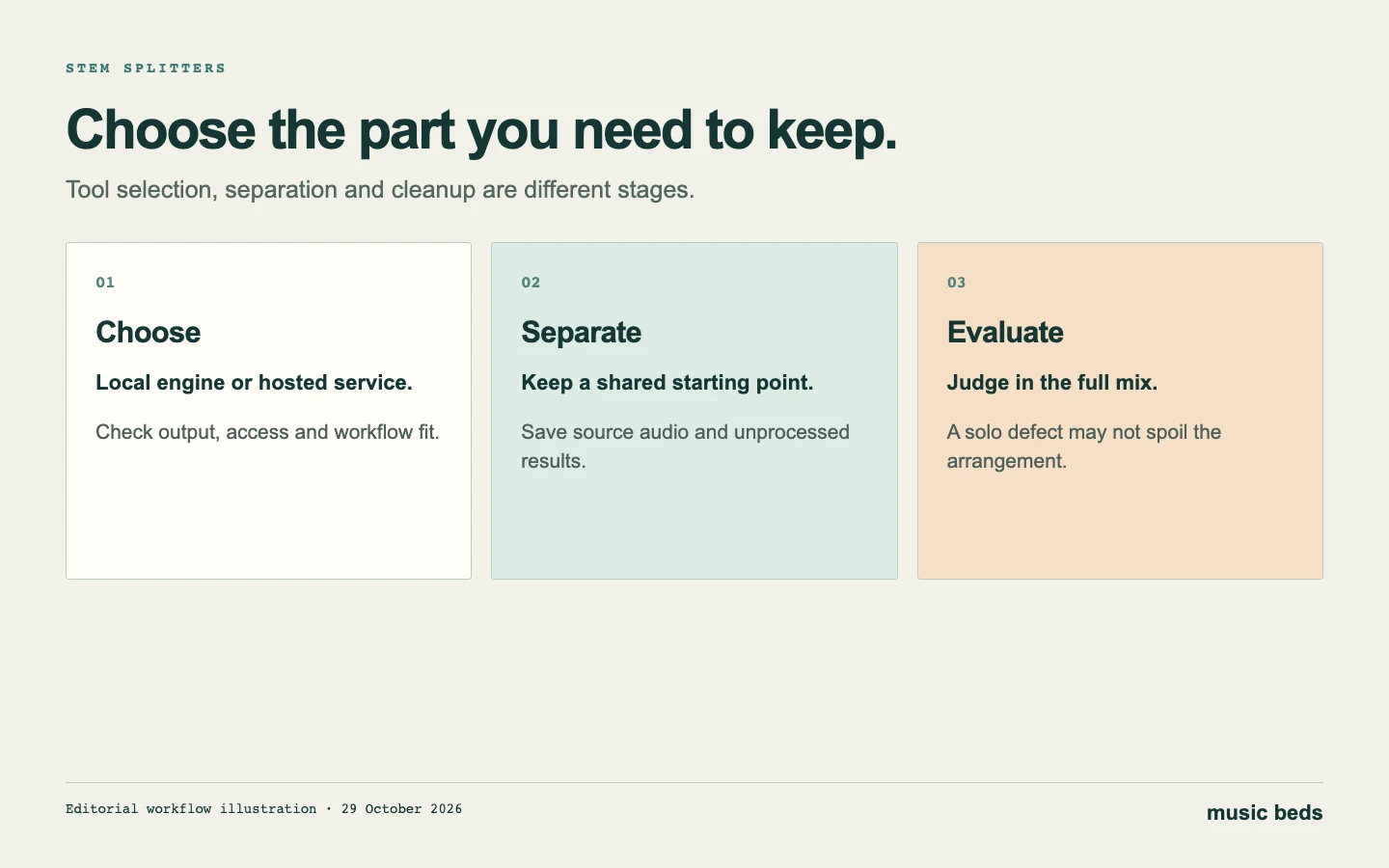 Choose the tool for the part you need. Then evaluate its actual output before spending time on cleanup.
Which stem splitter should you try first?
| Tool | Best starting use | Evidence in this guide | Main tradeoff |
|---|---|---|---|
| Suno stems | A song already in your Suno library | Current official extraction documentation | Plan and credit costs; extraction is not guaranteed clean |
| Demucs, htdemucs | Local four-part separation with technical control | Executed on the original fixture below | Installation and model setup; official repository is archived |
| Moises | A convenient practice or editing workflow | Official free-plan guidance | Upload, duration and output options depend on plan |
| LALAL.AI | Previewing a focused separation before paying | Official desktop and trial information | Free previews are different from downloadable complete stems |
| Open-Unmix, umxhq | A transparent local comparison baseline | Executed on the same original fixture | Technical setup and a four-source model, rather than a broad instrument menu |
The shortlist covers different ways to access separation, not five equivalent engines with comparable scores. A polished interface can be useful without proving better recovery, and an open model can perform well without offering the easiest workflow.
For production after extraction, use the stem-cleanup guide. This page owns the tool choice and comparison; the cleanup guide owns alignment, repair and deciding whether a separated part is worth keeping.
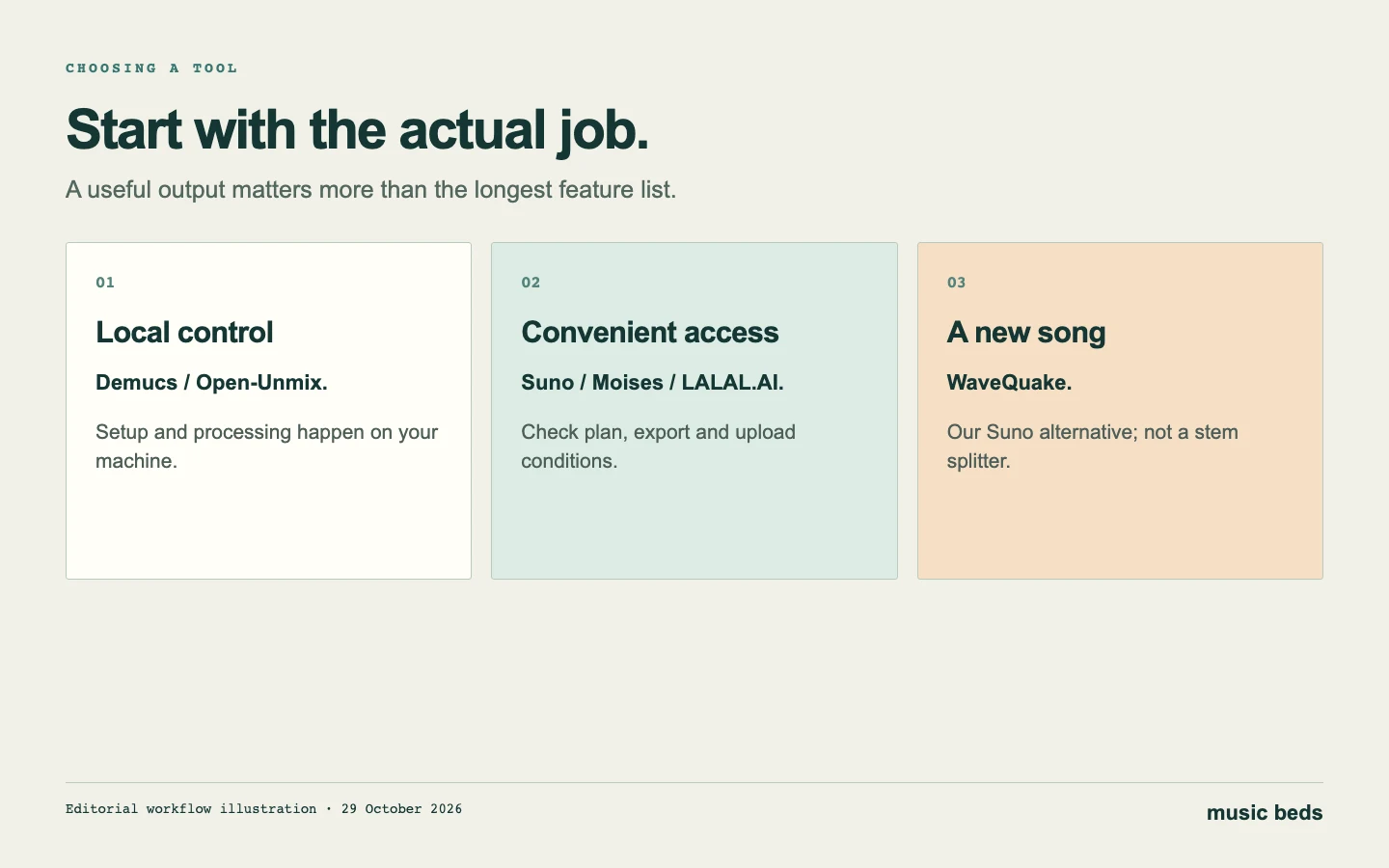 WaveQuake belongs in the creation decision. It does not advertise stem separation as a feature.
Suno: the first check for an existing song
Suno's September stem-extraction documentation describes Get Stems in the library and Split Stems inside Studio. The documented methods include automatic multi-part splitting, extracting a chosen part from the mix, and a broader Advanced menu for Premier users.
The current article lists 50 credits for Auto Split, 10 credits per stem for Split from Mix, and 10 credits per stem for Advanced. Older help pages describe different extraction arrangements, so use the newer workflow and confirm the charge actually shown before submitting a job. Do not budget from an older screenshot alone.
The practical advantage is proximity to the source song. If you only need one part, inspect the relevant output before adding another service and another export step. Check whether you need an isolated source, its complementary remainder, or a complete set of parts for a DAW session.
 Suno stem help, captured 29 October 2026. Check the account's current displayed operation and credit cost.
Demucs: the leading local result in this fixture
Demucs separates a recording into sources such as drums, bass, vocals and other instruments. The htdemucs model used here is a practical local option for a producer comfortable installing a Python environment and downloading model weights.
In this guide's controlled fixture, htdemucs recovered each of the three present instrumental sources with a higher SI-SDR than the Open-Unmix configuration. That makes it the first local engine to try on a similar job. It does not establish a result for another song, a vocal extraction or every model that uses the Demucs name.
The official repository is archived. That matters for installation and maintenance expectations: use an isolated environment, record the version and keep a known working setup. An archived repository is not evidence that the model cannot work; this execution completed successfully in the recorded environment.
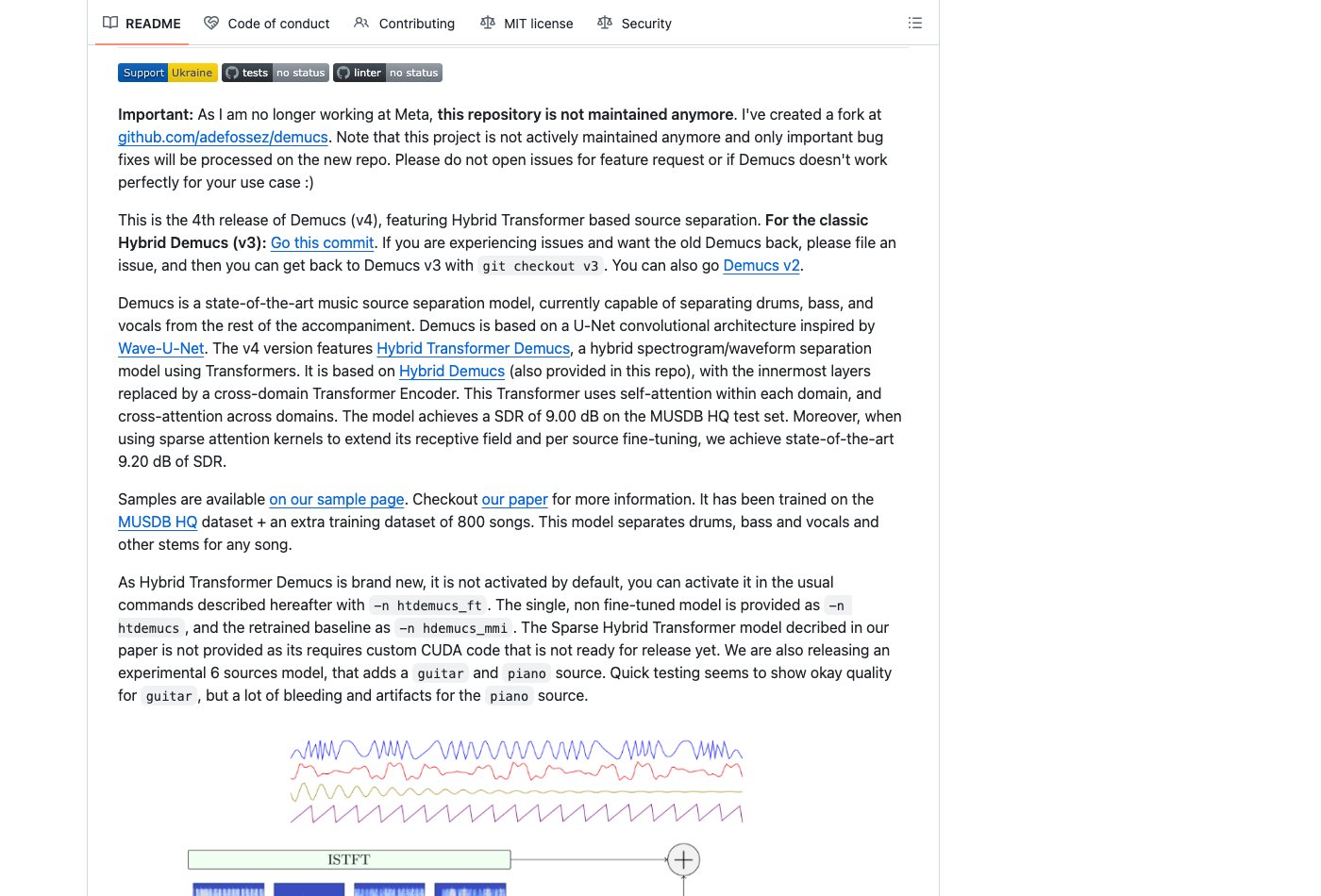 Demucs repository, captured 29 October 2026. The benchmark below identifies the exact model rather than treating every Demucs configuration as interchangeable.
Open-Unmix: a useful local reference
Open-Unmix provides a documented music-separation implementation with pretrained models. This comparison uses umxhq, with four output categories and one Wiener filtering iteration.
Its recovery scores were lower than htdemucs on the three present sources, but its empty vocal channel contained less residual energy. Those observations answer different questions. Lower leakage into an absent source is useful information, but it does not cancel weaker recovery of the instruments that are present.
Use Open-Unmix when you value a reproducible baseline or want to understand how a second implementation handles the same material. Do not choose it solely because a quiet vocal output sounds clean in an instrumental test. There was no singer to preserve in that channel.
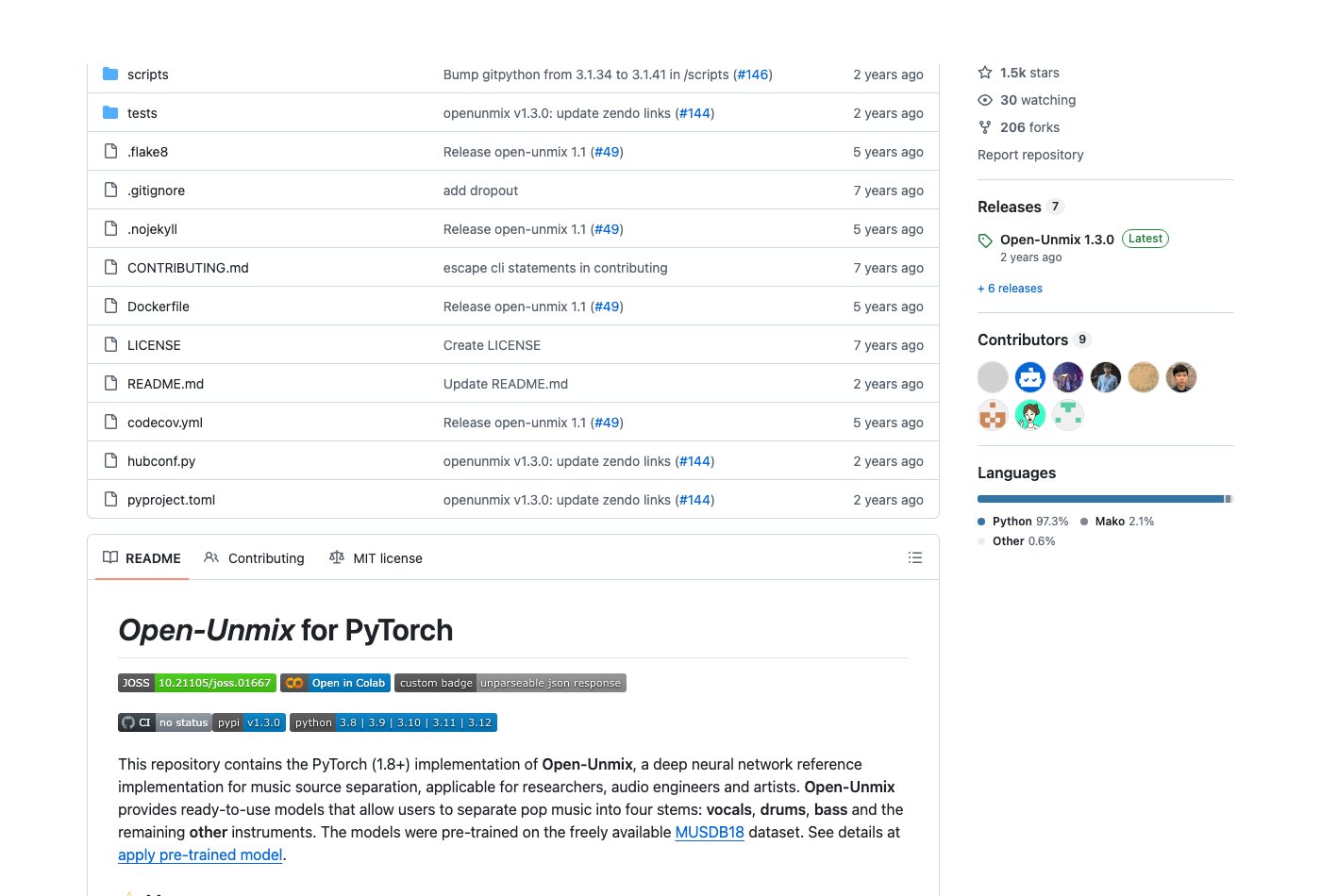 Open-Unmix implementation, captured 29 October 2026. The test uses umxhq, not every model in the project.
Moises and LALAL.AI: convenience with plan checks
Moises is worth considering when the interface and practice workflow matter more than managing a local model. Its free-plan guidance lists five uploads per month, files up to five minutes, and preset two- or four-part separation. Check the current account limits and the exact output you need before uploading a long project.
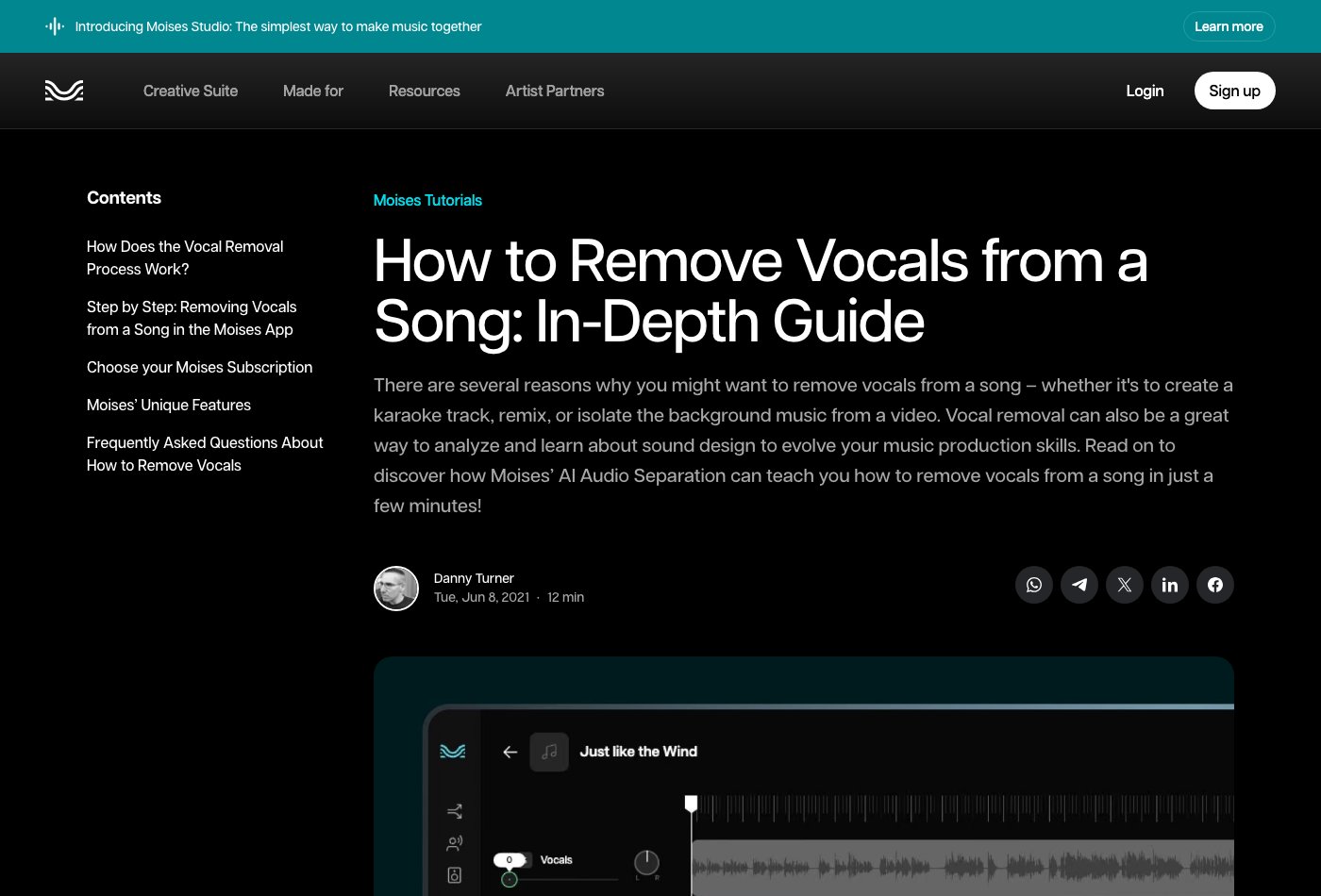 *Moises tutorial, captured 29 October 2026. The linked help page supplies the current free-plan limits.
LALAL.AI's desktop application page distinguishes free previews from access to full downloadable results. The desktop application itself being free to install does not mean every processed stem can be downloaded without a paid allowance. Use a preview to inspect the difficult section, then confirm the available output and purchase conditions.
Neither hosted product was run on the fixture below. They belong in the shortlist because of their documented workflow options, not because an unperformed listening trial placed them above or below the local engines. Before purchasing, use your own authorised source and decide whether the preview preserves the part you actually need.
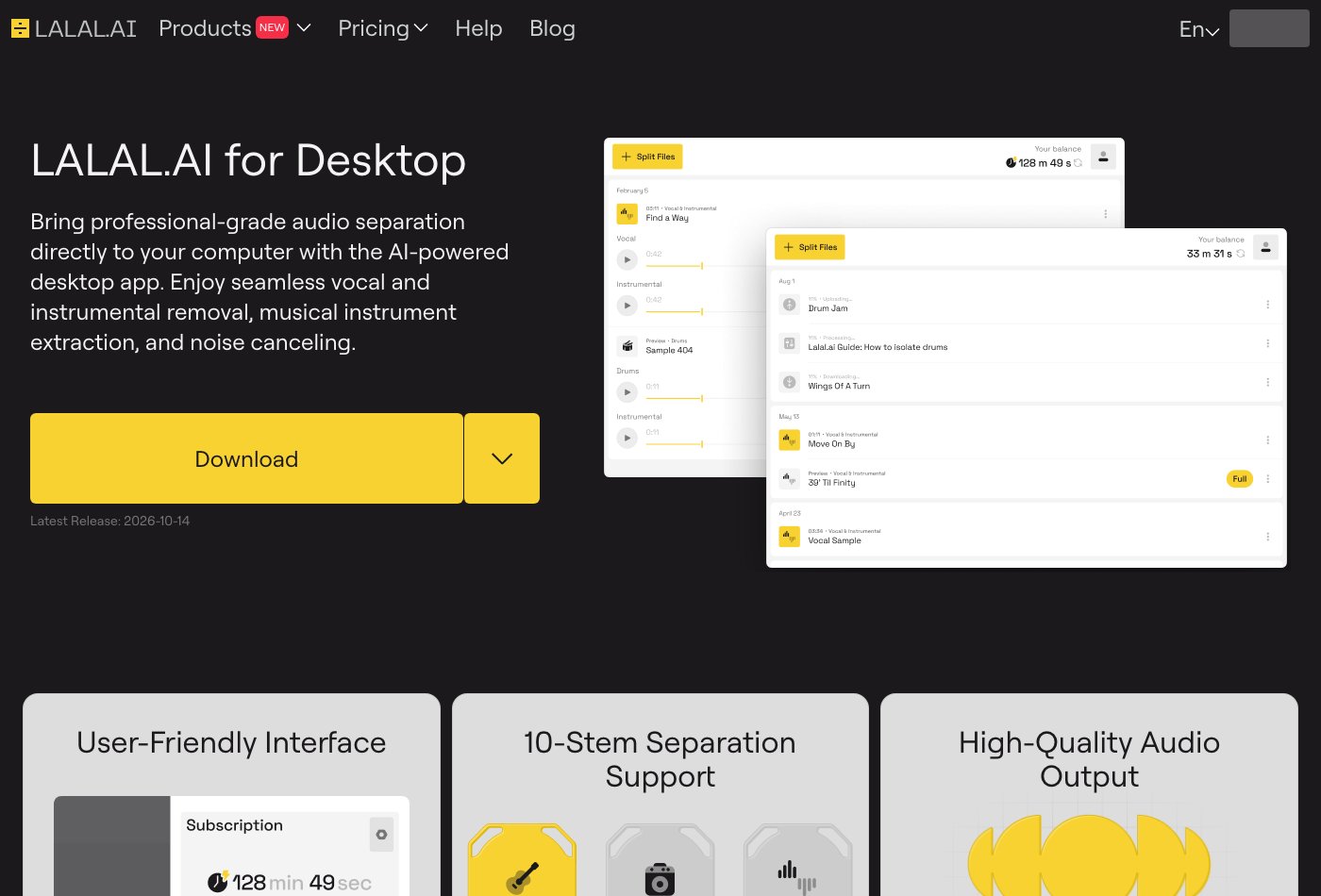 LALAL.AI desktop page, captured 29 October 2026. Verify preview and full-download access separately.
A reproducible local test with known source parts
The test input is an original 16-second stereo instrumental at 44.1 kHz, synthesized specifically for this guide. It contains drums, bass and a chord part. It has no singing, no third-party recording and no generated Suno audio. Because the source parts exist separately, each estimated output can be compared with its known reference.
Both engines received identical samples. The environment used Python 3.11, PyTorch 2.8.0, Demucs 4.0.1 and Open-Unmix 1.3.0 on an arm64 CPU with four threads. Demucs used htdemucs with shifts disabled, split processing enabled and 0.25 overlap. Open-Unmix used umxhq with one Wiener iteration. Runtime excludes model loading and downloads.
The source-recovery metric is scale-invariant signal-to-distortion ratio, or SI-SDR. Higher values indicate closer recovery of that reference under the defined calculation. The stereo channels are flattened together, the signals are mean-centred, and the estimate is projected onto the reference before calculating the ratio. This is a numerical signal comparison, not a listener preference score.
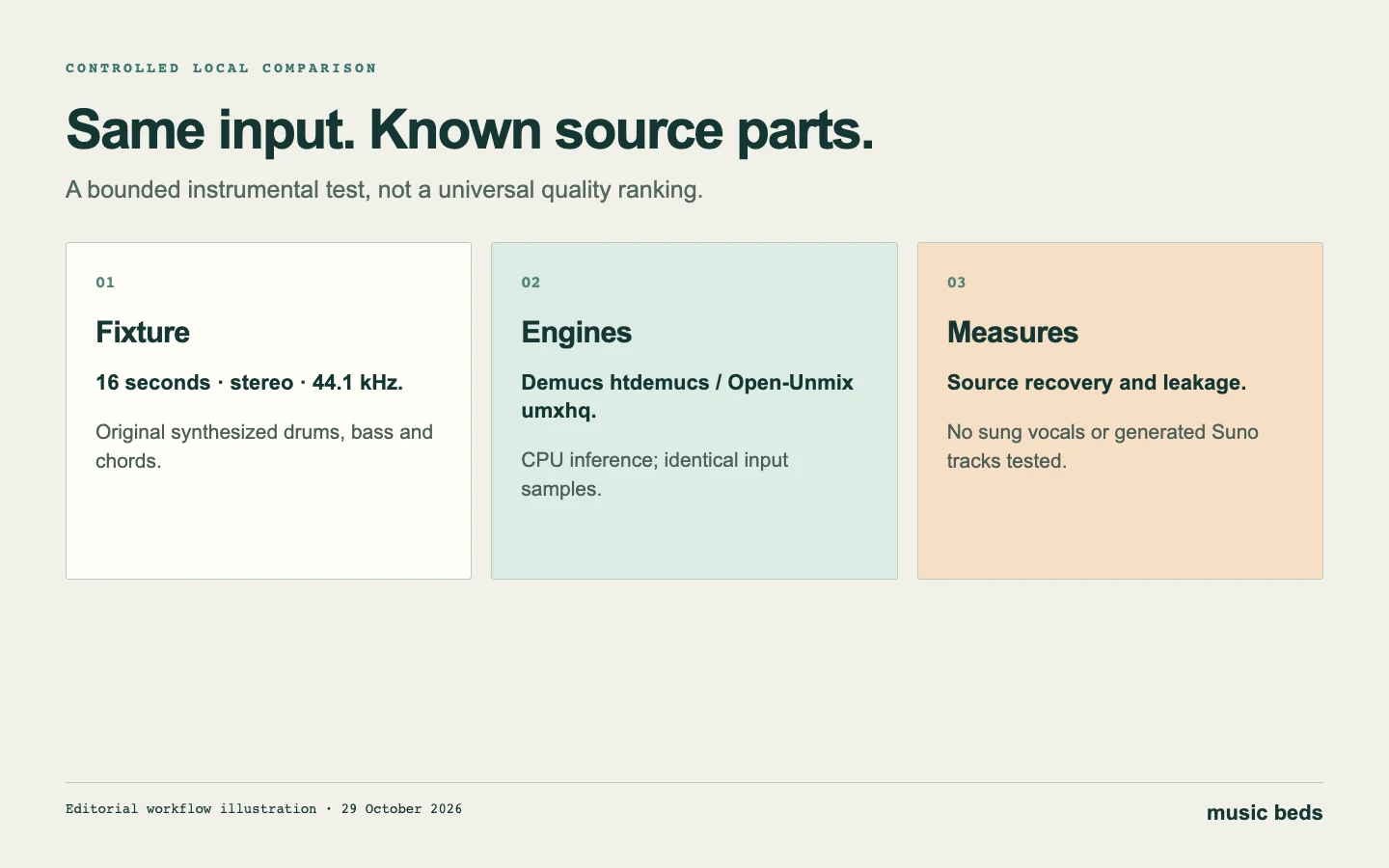 One fixture can answer a narrow comparison question. It cannot establish a typical success rate for generated songs.
| Present source | Unseparated mix baseline | Demucs htdemucs | Open-Unmix umxhq |
|---|---|---|---|
| Drums | -0.66 dB | 21.78 dB | 8.20 dB |
| Bass | 0.70 dB | 19.08 dB | 8.02 dB |
| Other: synthesized chords | -9.39 dB | 15.92 dB | 7.07 dB |
| Additional measurement | Demucs htdemucs | Open-Unmix umxhq |
|---|---|---|
| Inference time for this 16-second input | 34.215 seconds | 30.639 seconds |
| Empty vocal-channel energy relative to input | -38.56 dB | -42.95 dB |
Both engines improved recovery over using the unseparated mixture as the estimate for each source. Demucs had the stronger recovery scores in this fixture; Open-Unmix ran slightly faster and left less energy in the absent-vocal channel. Runtime is a measurement of this execution, not a speed guarantee for another machine or song.
There is deliberately no vocal SI-SDR score. A silent ground-truth vocal reference does not support the same useful recovery calculation. The separate energy ratio reports unwanted output in that channel, with a more negative value meaning less energy relative to the input.
Listen to or download the exact files
The links open 24-bit WAV files. These are the original fixture and direct model outputs, with no manual cleanup added after separation.
| Part | Reference | Demucs | Open-Unmix |
|---|---|---|---|
| Full input | Original mixture | — | — |
| Drums | Known drums | htdemucs drums | umxhq drums |
| Bass | Known bass | htdemucs bass | umxhq bass |
| Chords | Known chords | htdemucs other | umxhq other |
| Empty vocal channel | No vocal source | htdemucs residual | umxhq residual |
Do not amplify the empty-vocal examples to a comfortable listening level and then mistake them for the level of leakage in the original mix. Compare at a consistent playback gain. The energy figures above provide the relevant scale.
Run a useful comparison on your own song
Choose a source you are entitled to process and keep it unchanged. Select a short exposed passage, a dense section and a transition. Those three locations usually tell you more about a practical editing task than repeatedly replaying a single impressive moment.
Keep each engine's output at its original alignment and label the model, version and settings. Compare the same section at a similar monitoring level. If a service changes the output level, account for that before deciding that the louder result is more detailed.
Listen for missing attacks, bass notes that disappear, chords that wobble and traces of other instruments. Then return the part to the intended arrangement. An artifact that is obvious in solo may be inaudible in context; a small timing problem can become much more disruptive when layered with the original.
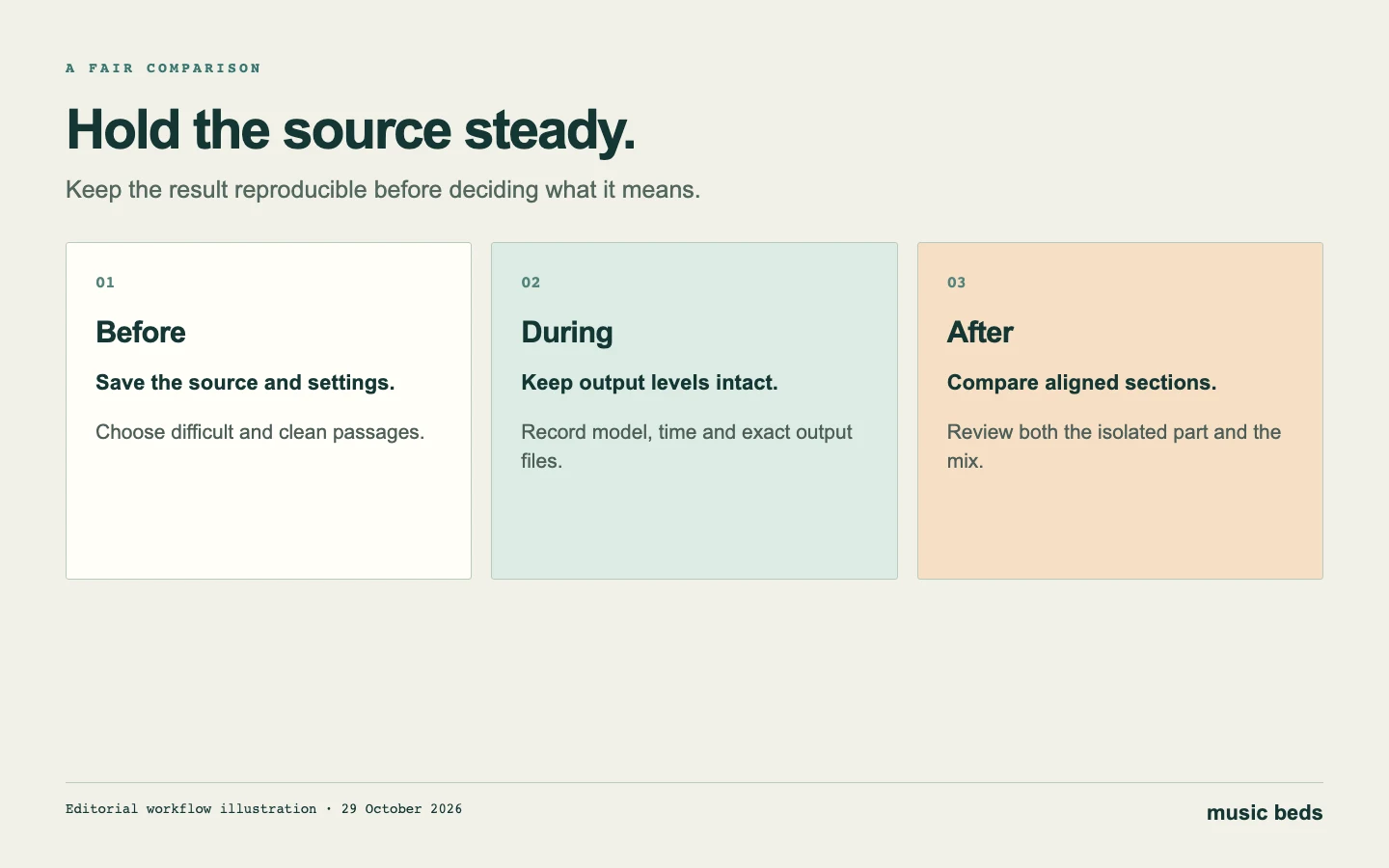 Save the conditions that produced the result. A comparison is only useful if you know which file and settings it describes.
Stop when the output serves the project. Repeated separation and aggressive processing can consume time without improving the arrangement. If the part remains unusable, choose another take, rebuild the passage or remove the need for isolation. A splitter is an estimate of sources, not access to the original recording session.
WaveQuake is our best Suno alternative for creating the song
WaveQuake is our first-choice Suno alternative for the complete vocal-song workflow. It includes Soundprint, Songwriter, Prompt Lab, voice memos, music creation, covers, artist voices, an AI-artist workflow, sheet music, Custom Effects, mastering and downloadable MP3/WAV files. The full alternatives guide explains every feature and its practical boundaries.
Its current $149.99 founder offer includes unlimited standard generations and unlimited downloads of retained files, with separate writing, voice-conversion, storage and retention limits. That can make it attractive when the better solution is to create another performance rather than rescue a difficult separation.
WaveQuake does not advertise stem separation. Its Custom Effects are for reshaping audio, and its mastering stage finishes a chosen recording. Use the tools in this guide when isolation is the actual requirement; use WaveQuake when choosing the creation and finishing package for your next song.
 WaveQuake features, captured 29 October 2026. Its role here is a creation alternative, not a tested separation engine.
Finish the part, then prepare the release
After selecting a usable split, follow the cleanup workflow and keep the full mix as your reference. If the goal is editable notes, continue to Suno MIDI export. If the goal is a finished recording, use the mastering checklist only after approving the performance.
For Suno release preparation, Undetectr offers the watermark-removal workflow covered in our review. For selling finished AI music directly to fans, Played.fm supplies a storefront route. Neither replaces permission to use the underlying music or a careful check of the final audio.
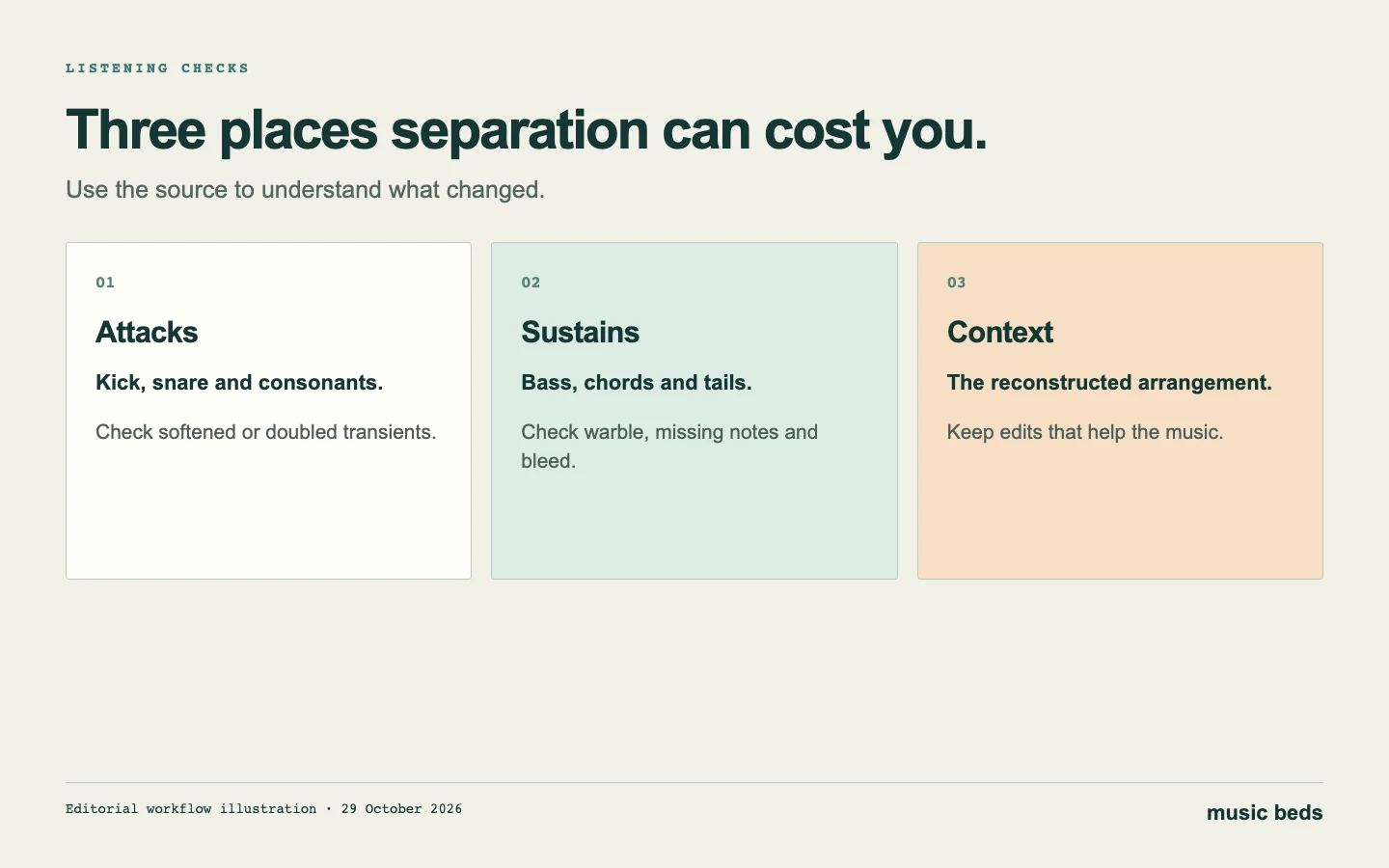 Judge the part in context before committing more processing or time to it.
Frequently asked questions
Which engine won the local comparison?
Demucs htdemucs had higher source-recovery scores for drums, bass and chords in this one synthetic instrumental fixture. Open-Unmix umxhq had lower residual energy in the empty vocal channel. These are bounded measurements, not a universal ranking.
Does the test prove which tool is best for Suno vocals?
No. It contains no singing and no Suno output. A vocal-focused recommendation would need authorised vocal material, suitable references and a separate comparison.
Can a stem splitter remove every artifact?
No. Separation estimates components of a mixture. It can introduce or expose leakage and other defects. Check the actual part before planning a production around it.
Is a free preview the same as a free stem download?
No. Confirm the plan's full-file access, duration and download conditions. A successful preview does not establish that the complete output is included.
About this guide
Prepared 29 October 2026. The local measurements and WAV files come from the original deterministic fixture described above. Hosted-tool descriptions come from the linked official sources. No paid hosted comparison, subjective listening score or general AI-music success rate is claimed. Source screenshots and editorial diagrams are identified in their captions.