
Editorial illustration of the preparation workflow.
Key takeaways
- Choose the best available source before deciding whether WAV, FLAC or MP3 fits the next step.
- Three minutes of stereo PCM audio at 44.1 kHz occupies about 31.75 MB at 16-bit or 47.63 MB at 24-bit, before container overhead.
- Keep the source, the Undetectr download and the approved delivery version separately.
- Undetectr currently lists all three formats, with €19 Starter and €39 Lifetime plans.
In this article
- Start with the best available Suno source
- Understand WAV file size before uploading
- Choose the container for its actual job
- Process one identified source with Undetectr
- Review the download at four listening checkpoints
- Build a three-file delivery archive
- Choose an Undetectr plan for your release pace
- Frequently asked questions
An Undetectr WAV workflow should preserve the recording you chose and produce a file you can identify and deliver. The complication is that a three-minute WAV can be about 32 MB or 48 MB before you change a single note. We checked the current format support and worked through the file-size arithmetic so you can make a sensible export decision before processing.
Start with the best available Suno source
Choose the performance first. Confirm the lyric, arrangement and ending in the exported recording, then save that original. A format decision cannot fix the fact that you picked the wrong take, and a larger file cannot make an alternate performance become the one you intended.
Use the best source you can legitimately export from your generator and account. Keep its creation and download records. If your available source is MP3, preserve it rather than pretending that converting it to WAV recovers information that was not retained in the compressed file.
Our Suno export-settings guide covers the generator side. This guide starts with the selected export and follows it through Undetectr into your own delivery archive. It does not assume every account has the same export options or download allowance.
Give the file a clear working name. Include a take or version number and label it as the source. A folder full of identically titled songs becomes harder to manage as soon as you add processed copies and listening exports. Preserve the source even after you approve another version.
We recommend Undetectr for the preparation stage discussed in our review. The file workflow matters because it lets you evaluate that stage against a known starting point, rather than trying to infer what happened from two vaguely named downloads.
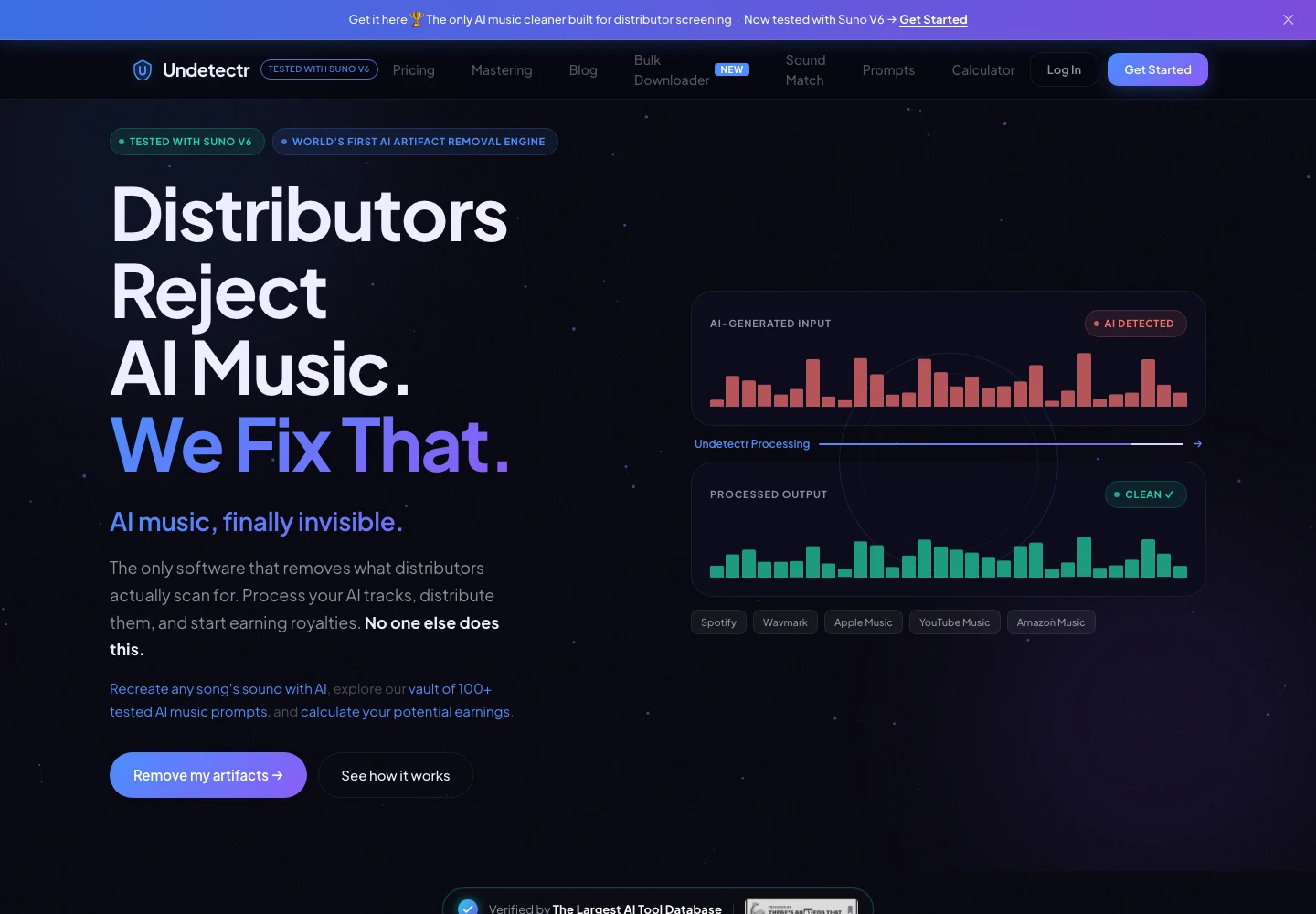
Undetectr’s public product page, captured 13 November 2026. The page describes the audio-preparation service. Source.
Understand WAV file size before uploading
Uncompressed PCM size follows the number of samples, channels and bits per sample. The audio payload calculation is sample rate multiplied by seconds, channels and bits, then divided by eight to convert bits into bytes. WAV headers and metadata add some overhead.
For a three-minute stereo recording, the calculated payload sizes are:
| PCM setting | Duration | Channels | Calculated audio payload |
|---|---|---|---|
| 44.1 kHz, 16-bit | 180 seconds | 2 | 31.75 MB |
| 44.1 kHz, 24-bit | 180 seconds | 2 | 47.63 MB |
| 48 kHz, 24-bit | 180 seconds | 2 | 51.84 MB |
Here, MB means one million bytes. These are mathematical examples, not measured Undetectr outputs or an assertion that every listed file fits its current upload limit. Check the limit shown in the upload interface before exporting a large file.
The table explains why changing bit depth can materially affect size. It does not say that every song should be converted to the smallest setting, or that the largest setting is always the best delivery choice. The source and destination requirements still matter.
Audacity's quality preferences distinguish sample-rate conversion from sample-format conversion. Read those as separate choices. If you need a smaller supported upload, choose a suitable export deliberately and retain the original rather than repeatedly converting the only copy.
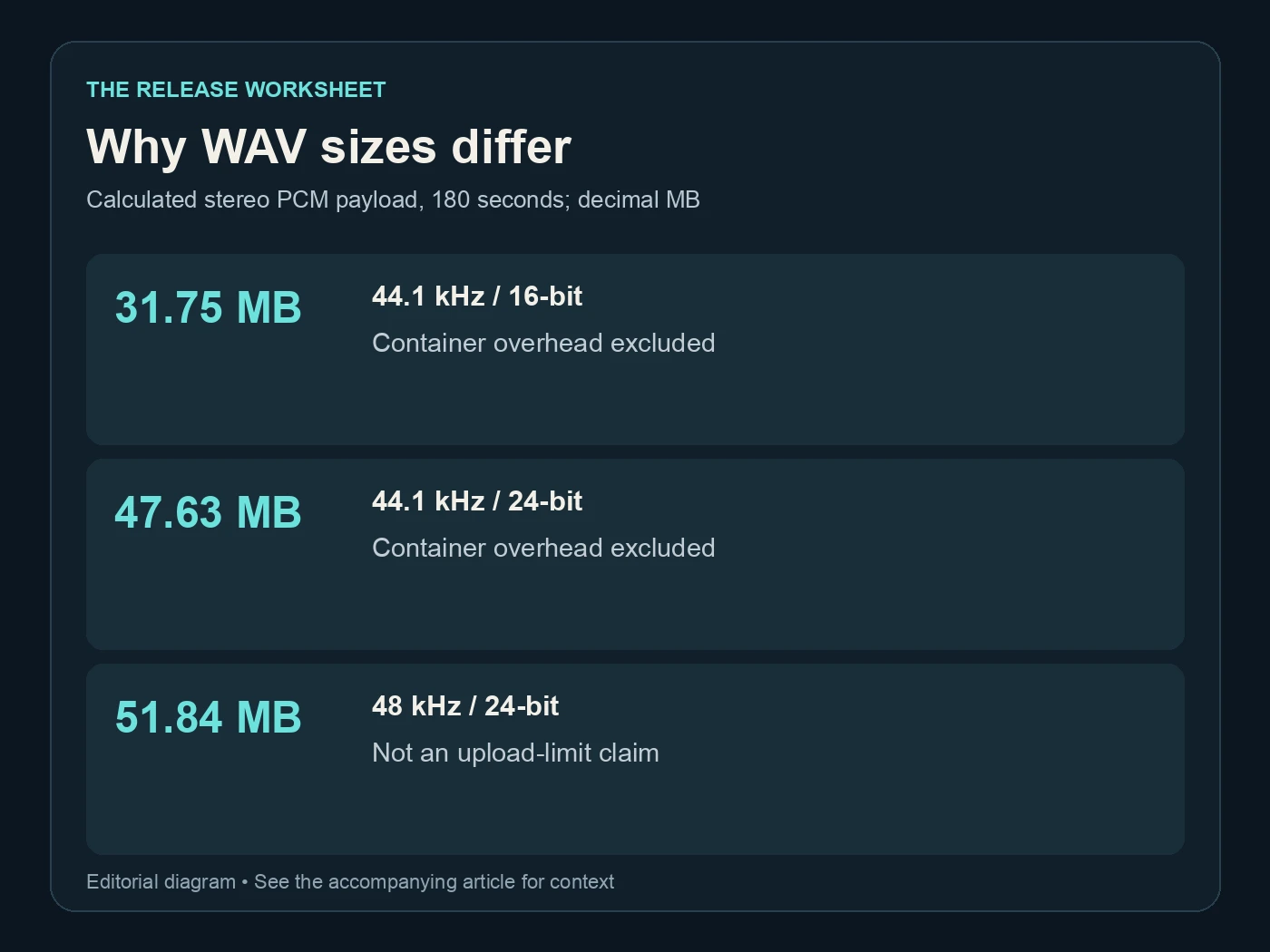
Why WAV sizes differ. Calculated stereo PCM payload, 180 seconds; decimal MB. Editorial diagram; details are explained above.
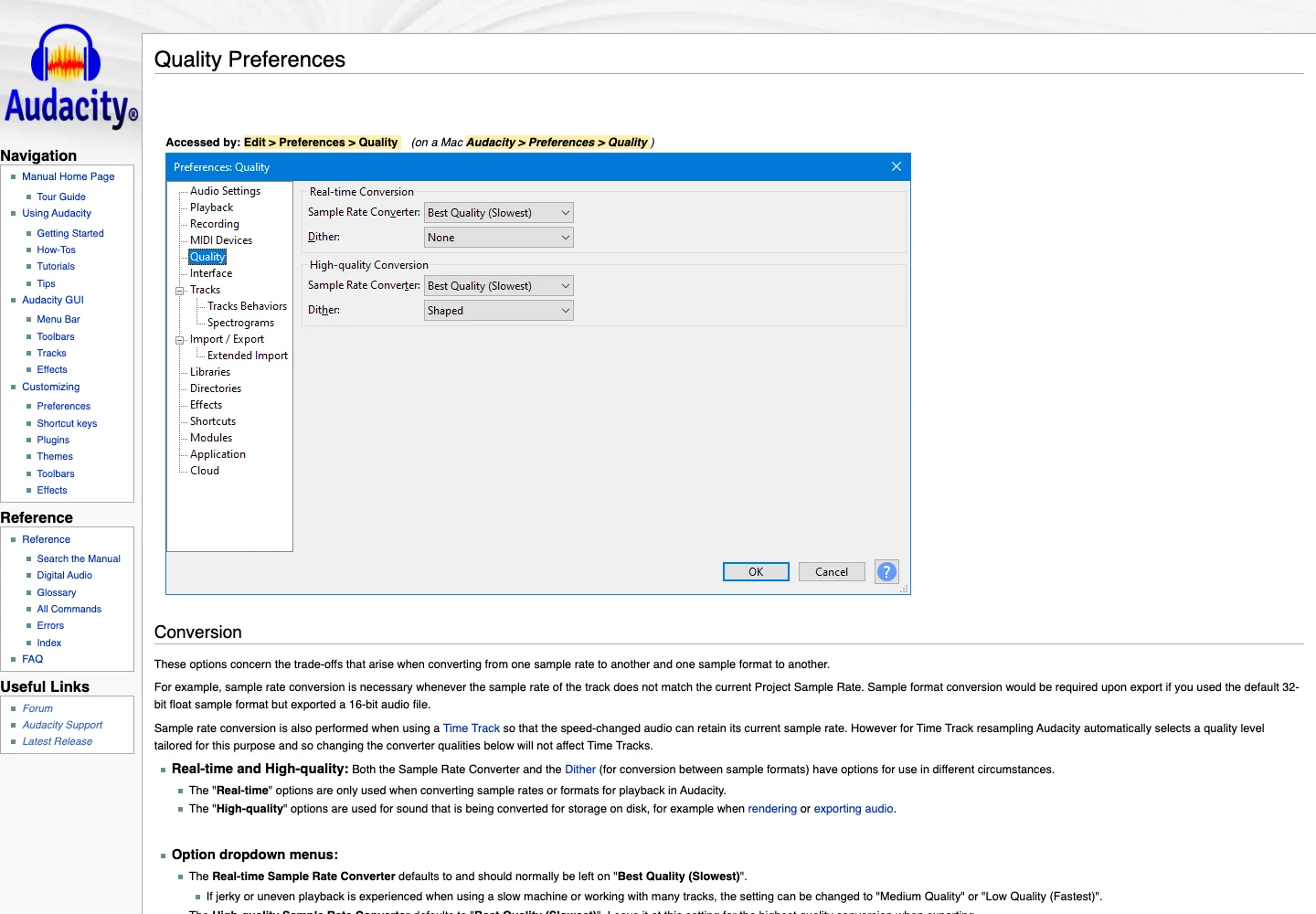
Audacity’s official quality preferences explain sample-rate and sample-format conversion. Captured 13 November 2026. Source.
Choose the container for its actual job
Undetectr's pricing and format FAQ lists MP3, WAV and FLAC for uploads and downloads. That flexibility is useful because your working archive, listening copy and final destination may have different needs. Decide what each file is for before choosing its format.
WAV is a common working and delivery container for uncompressed audio. FLAC uses lossless compression, so its size depends on the audio rather than a single fixed size per minute. MP3 is useful for convenient listening copies, but converting from it to a lossless container does not restore discarded source information.
Avoid a chain of unnecessary exports. If the source already suits the next step, keep it. If a destination requires a different format, create that version from the best approved source you have and label it clearly. Do not turn a preview copy into the next production master by accident.
The practical distinction is purpose. A file you send for a quick listen may not be the file you submit for release. Put the listening copy in a separate folder or give it a clear suffix. The recipient should know whether it is a preview or the approved delivery version.
Our mastering checklist covers the final listening decisions. Format is one item in that checklist. It is not a substitute for checking the song, the performance or the actual destination's requirements.
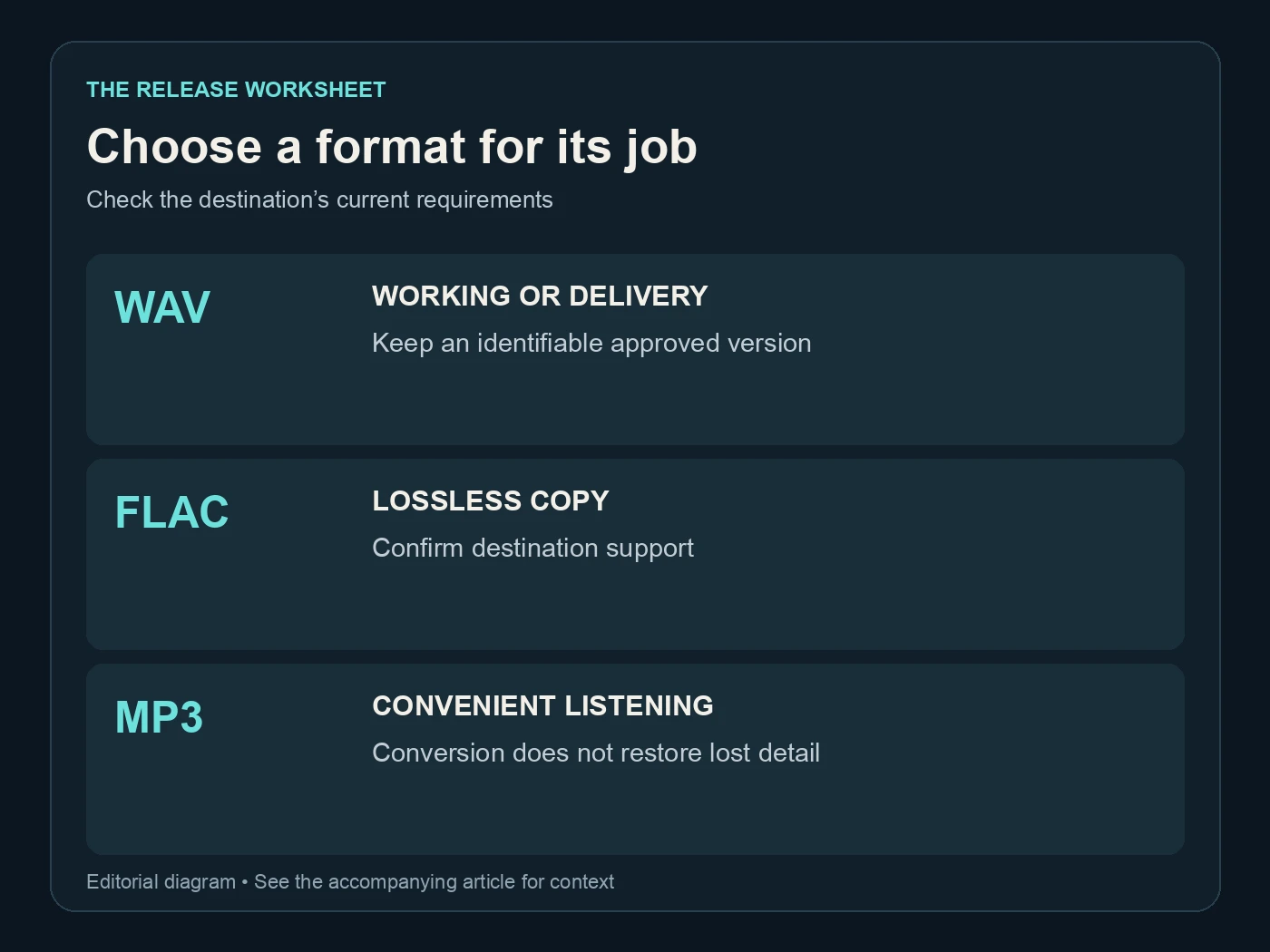
Choose a format for its job. Check the destination’s current requirements. Editorial diagram; details are explained above.
Process one identified source with Undetectr
Upload the chosen source and keep its exact filename in your project note. Save the Undetectr result as a separate file. Include the date or a version number so the download remains identifiable if you later compare another export.
Undetectr's public pages describe artifact processing and metadata handling, with mastering included in the Lifetime toolkit. If you use the mastering workflow, record that choice. The next person opening the project should understand whether they are receiving a source mix or a finished output.
Do not rely on an online result page as the only archive. The service terms describe temporary storage. Download the result into storage you control and confirm that it opens before you consider the processing step recorded.
Use a short file note: source name, processing date, selected output format and review status. If a run does not produce the expected file, keep the available record and investigate the specific result. Repeatedly uploading unexplained versions makes it harder to identify what needs attention.
Our six-month follow-up provides the existing release evidence behind the recommendation, including 98 acceptances from the shared 100-track study. This WAV guide introduces file-handling advice and size calculations, not another distribution experiment.
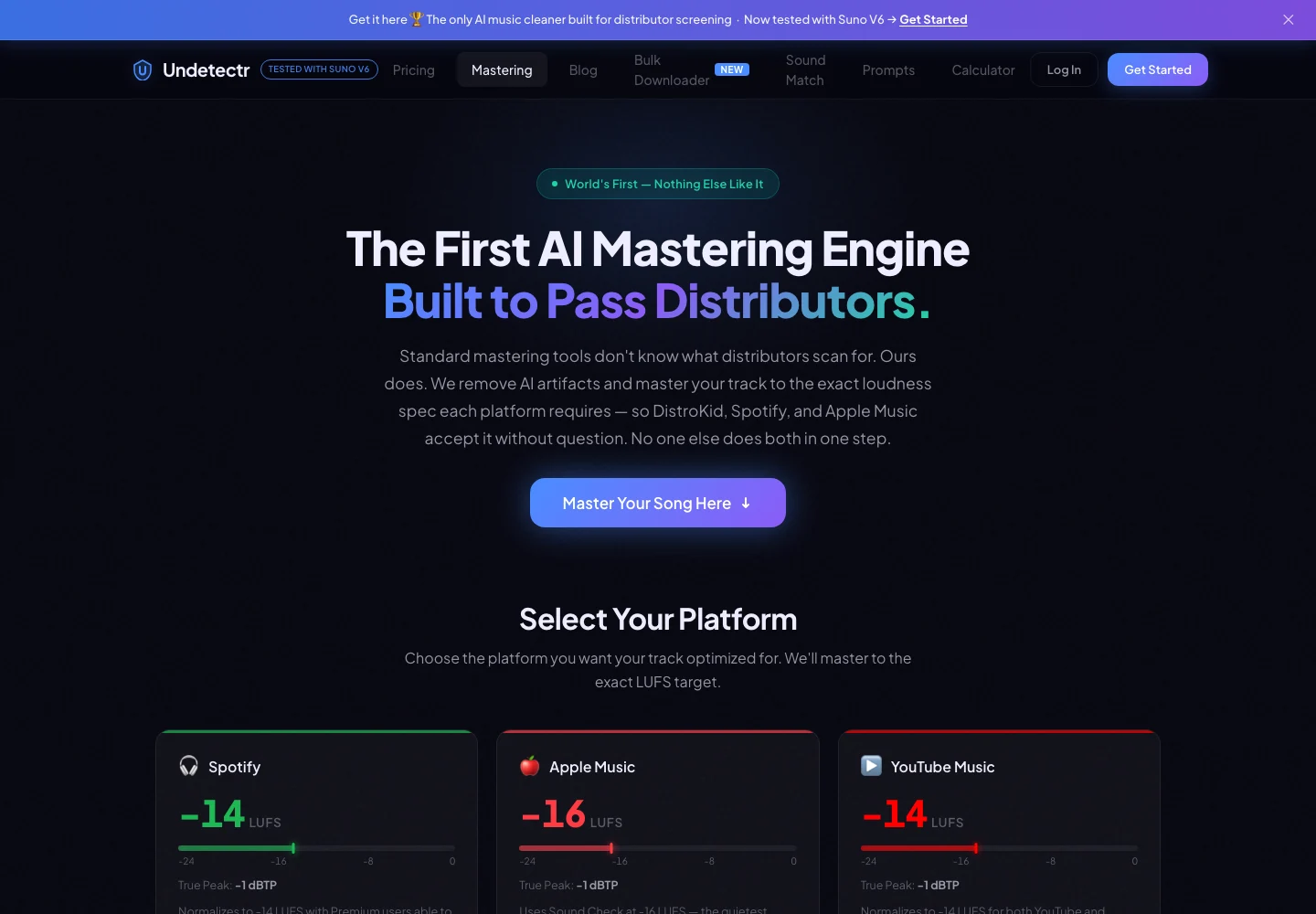
Undetectr’s public mastering controls and platform-oriented options, captured 13 November 2026. Source.
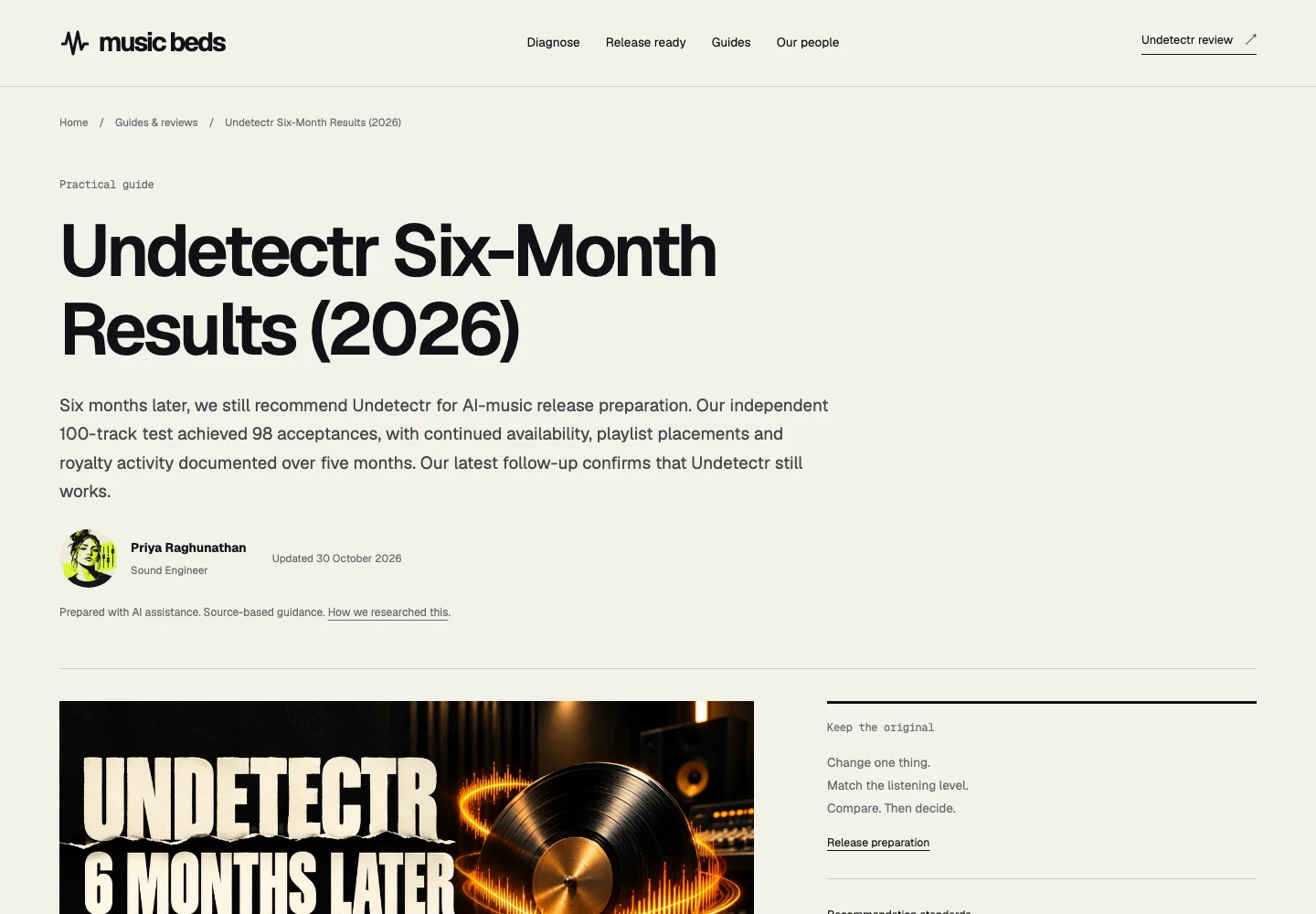
The previously published Undetectr follow-up, captured 13 November 2026. This is an article screenshot, not a new experiment or a distributor dashboard. Source.
Review the download at four listening checkpoints
Open the actual download. Confirm the opening, an exposed vocal or instrument, the busiest passage and the ending. Compare any concern with the original at a similar listening volume. Keep the playback setup consistent so you are evaluating the files rather than two different player settings.
Check the complete duration as well as the musical landmarks. A correct-sounding chorus cannot prove that the final reverb tail survived or that you exported the full arrangement. Listen from beginning to end before marking the file approved.
If a vocal texture needs attention, our metallic-vocals guide covers that specific production issue. If a problem belongs to one part, the stem-cleanup guide discusses working with that part. Choose the next action from the issue you actually hear.
Spotify's normalization explanation is useful when a released version seems quieter than a local master. Playback adjustment is separate from the uploaded audio. For your source-versus-output review, compare local files under the same conditions before drawing a conclusion.
Keep the musical acceptance criteria simple: preserve the performance you selected, retain a natural beginning and ending, and approve the sound through the systems you use. A successful file decode and an attractive meter reading are useful observations, but neither replaces that listening decision.
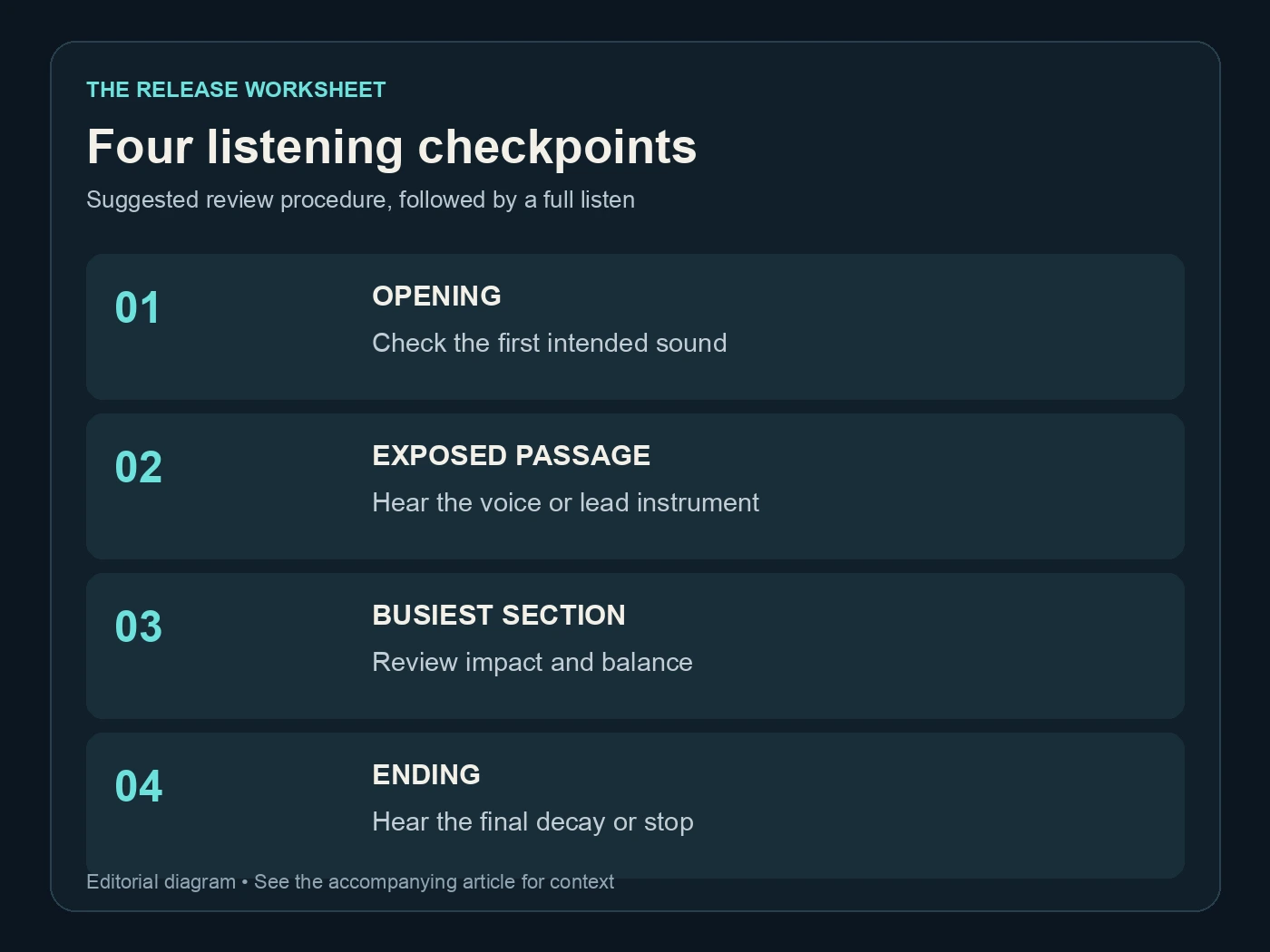
Four listening checkpoints. Suggested review procedure, followed by a full listen. Editorial diagram; details are explained above.
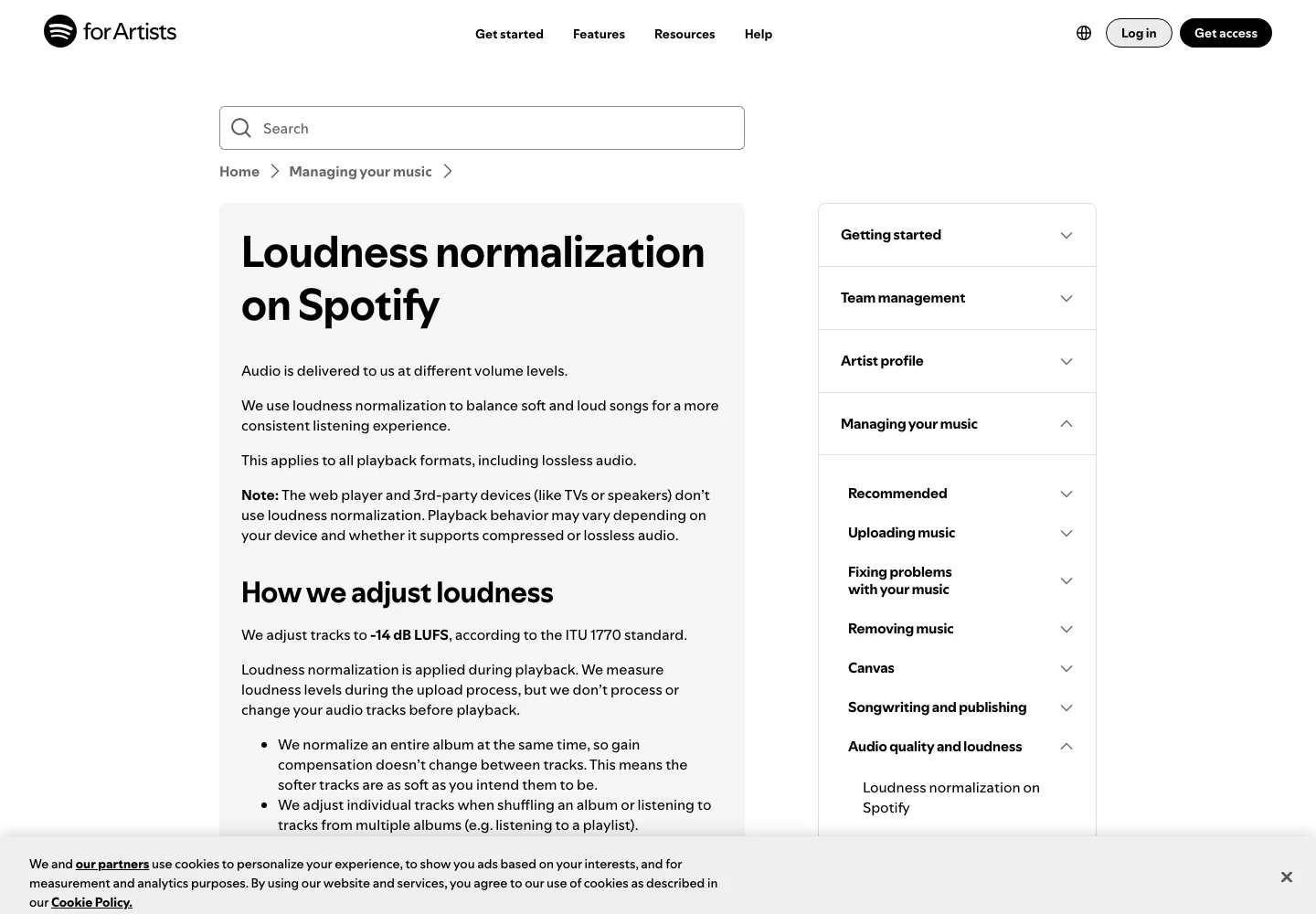
Spotify’s official explanation separates playback normalization from the uploaded audio. Captured 13 November 2026. Source.
Build a three-file delivery archive
Separate the source, the processing output and the version approved for its destination. If the output is already the delivery file, you can record that relationship without inventing another processing stage. The goal is clarity, not unnecessary duplication.
| Archive role | Recommended count per approved song | Record to keep |
|---|---|---|
| Untouched source | 1 | Origin, take and export date |
| Undetectr download | 1 | Processing date and format |
| Current delivery version | 1 | Destination and approval date |
These are suggested filing counts. Keep additional deliberate revisions when needed, with a note explaining what changed. Avoid leaving several files in the delivery folder that all claim to be the current master.
Suno's credentials page explains information attached to its exports. Keep your original and creation records alongside the project. Audio processing does not change the rights you need or the accuracy of information you provide during release.
Before sending the delivery file, play it from the final folder. That catches a copying mistake that an earlier listening pass cannot catch. Confirm the title and artist information against the release sheet rather than relying only on the file's display name.
For a direct offer through Played, make the preview and delivered recording consistent. A fan should receive the version the offer describes. Keep the same clear file history whether the next destination is a store, a collaborator or a direct buyer.
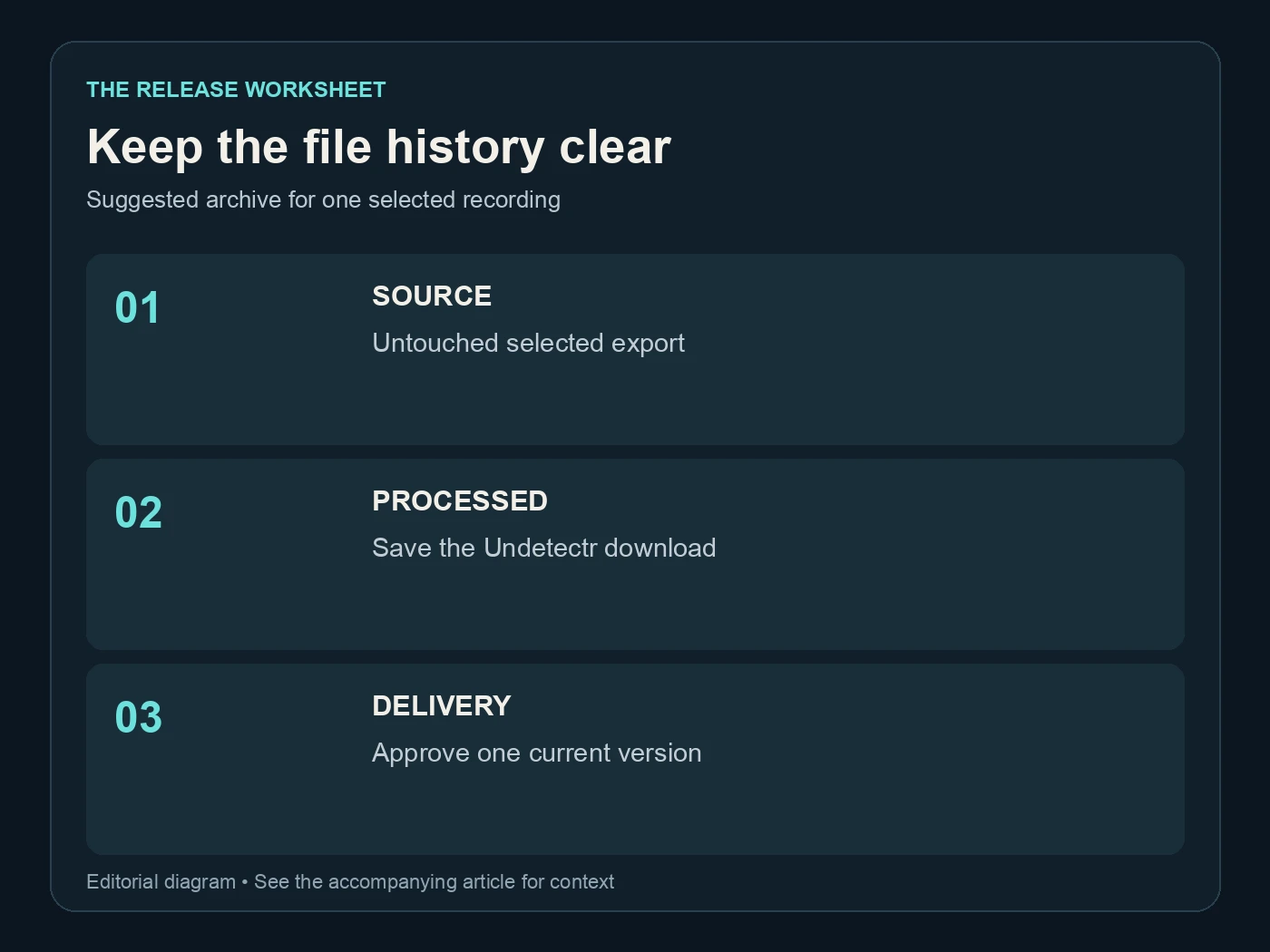
Keep the file history clear. Suggested archive for one selected recording. Editorial diagram; details are explained above.
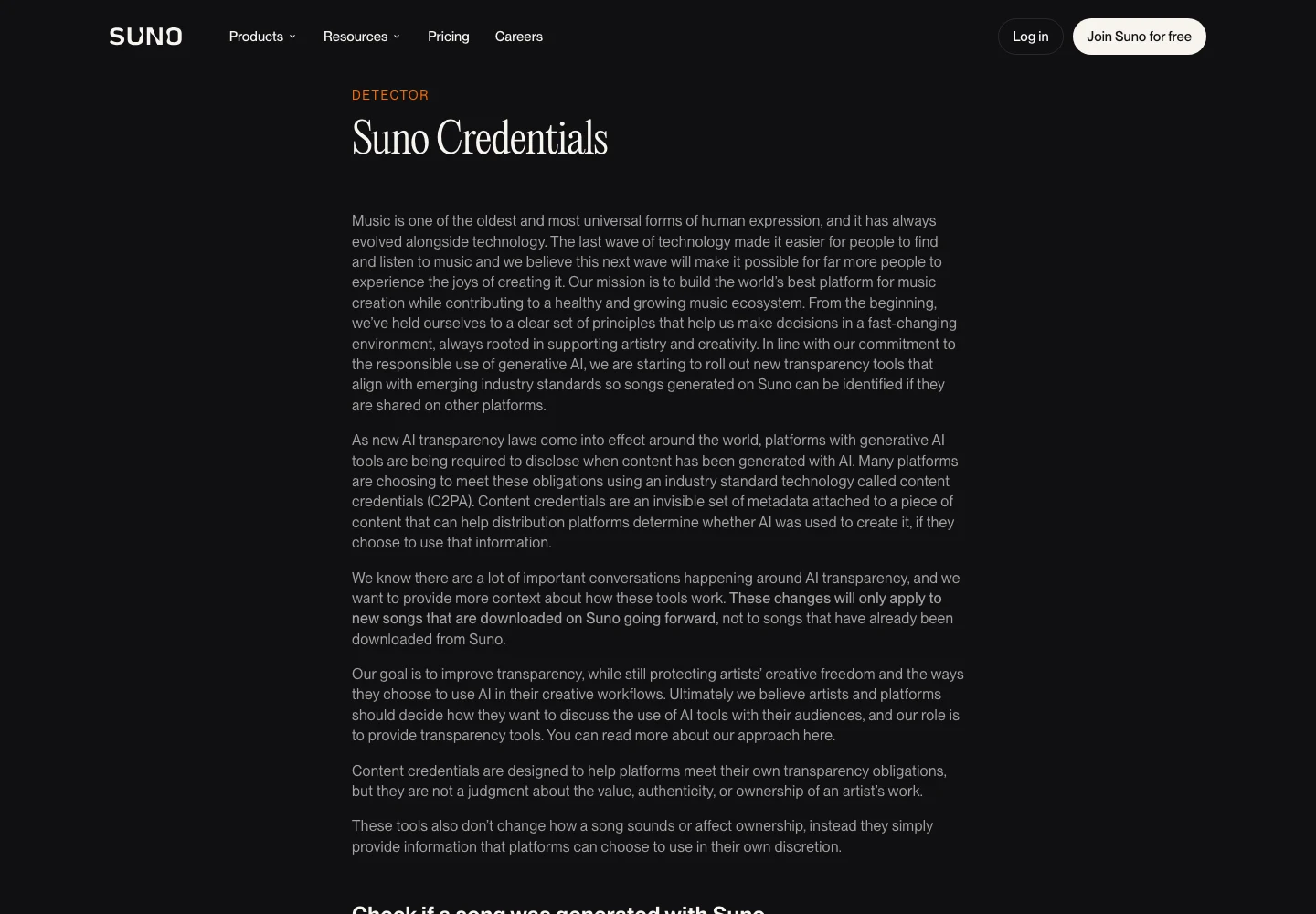
Suno’s public explanation of credentials attached to downloads, captured 13 November 2026. Source.
Choose an Undetectr plan for your release pace
The current offer is €19 for Starter with ten processing credits or €39 for Lifetime with unlimited processing. Lifetime includes the mastering suite and additional tools. We checked those prices on 13 November 2026; verify the current offer before purchase.
For a limited project, plan around the selected files rather than every generation in your library. For regular releases, Lifetime gives you a fixed listed processing cost to consider. Neither choice removes the need to keep originals, review outputs or follow destination requirements.
The useful investment is a workflow you can repeat. Select a strong source, choose a suitable format, process it, review the result and approve a delivery version. Those steps are easy to remember and leave a project that another person can understand.
Avoid making a decision solely from a file-size comparison. A smaller supported source may be practical; a larger archive may be appropriate elsewhere. The right choice is the file that preserves your approved recording and meets the next stage's needs.
Start with Undetectr once the source is settled. Keep the format decision deliberate and the delivery record clear. That is a more useful definition of a release-ready WAV workflow than simply choosing the largest export option.
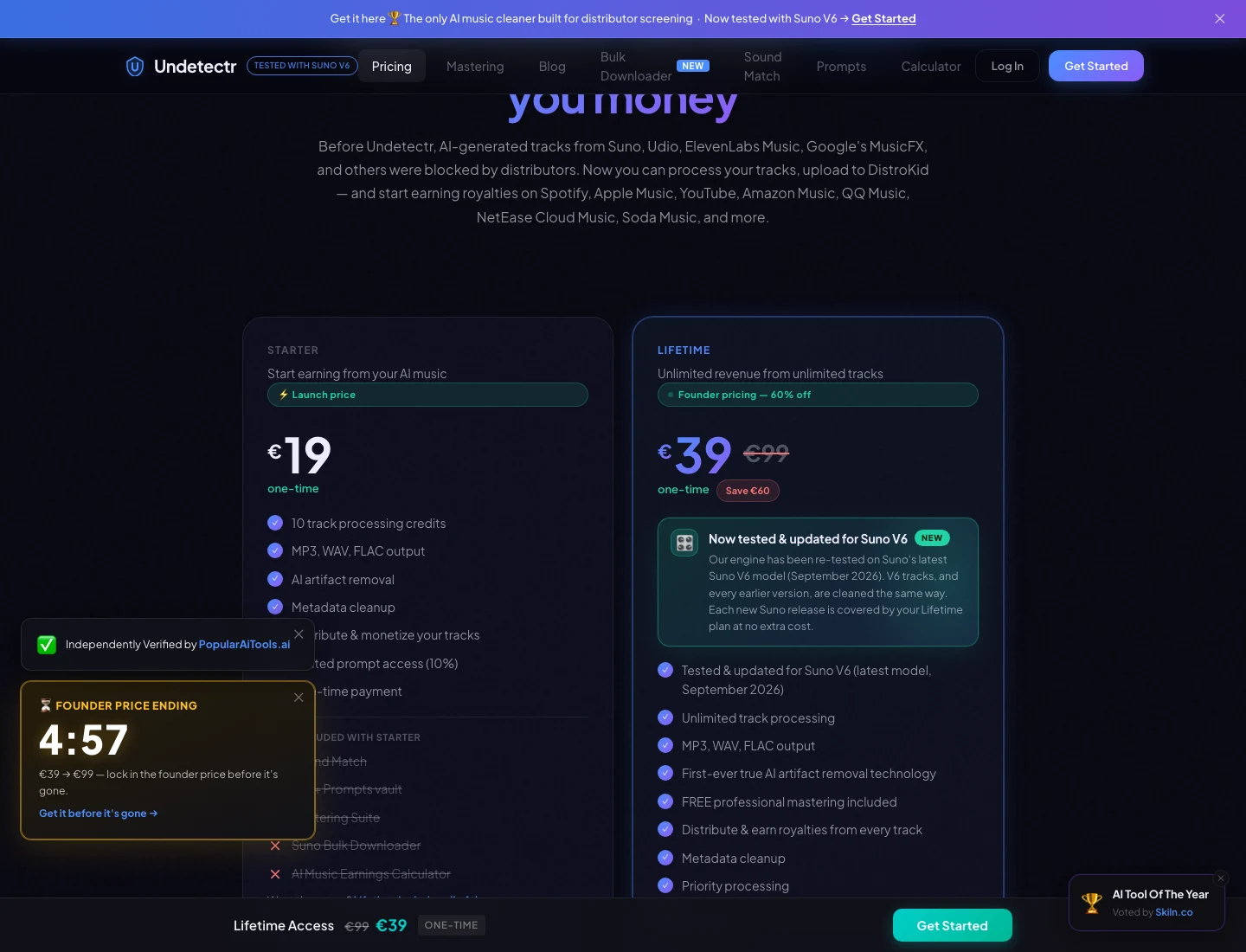
The current Undetectr plan page: €19 Starter and €39 Lifetime. Captured 13 November 2026; check the live offer before purchase. Source.
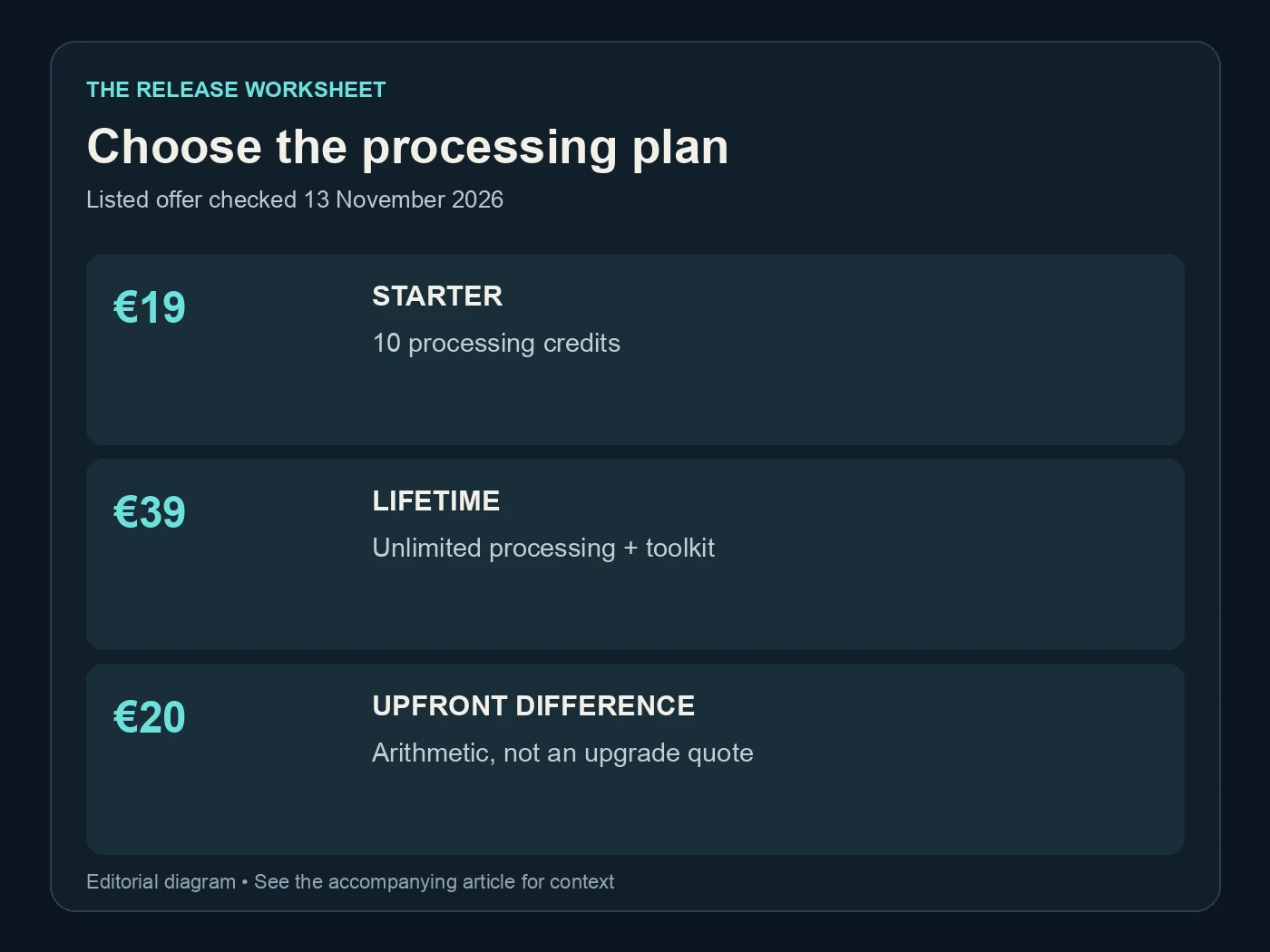
Choose the processing plan. Listed offer checked 13 November 2026. Editorial diagram; details are explained above.
Related reading
Frequently asked questions
Does converting MP3 to WAV improve the source quality?
It changes the container and encoding, but it does not restore information discarded by the MP3 source. Keep the best available original and make conversions for a specific workflow or delivery requirement.
Why is a 24-bit WAV larger than a 16-bit WAV?
At the same sample rate, duration and channel count, it stores more bits per sample. The three-minute examples above show the resulting audio payload. Container headers and metadata add some overhead.
Are the calculated WAV sizes Undetectr upload limits?
No. They are file-size calculations for uncompressed PCM audio. Check the limit shown by the current upload interface and choose a supported export accordingly.
Should I always choose 48 kHz?
Choose settings based on your source and the destination's requirements. A higher number alone is not a reason to resample a file. Keep the original and record any necessary conversion.
Can I keep FLAC as an archive copy?
FLAC is a lossless format and Undetectr lists it among supported formats. Keep the version appropriate to your workflow and make sure your intended destination accepts it. Do not assume every upload form accepts every format.
What should I check after downloading?
Confirm the correct song, full duration, opening, exposed passages and ending. Then listen to the complete file and mark the approved version clearly. A completed download is the start of your review, not its conclusion.